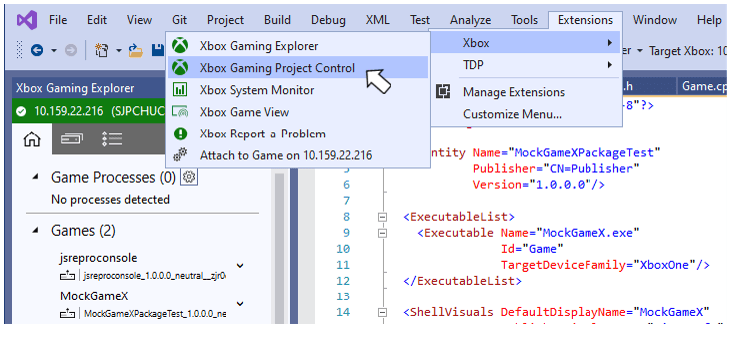
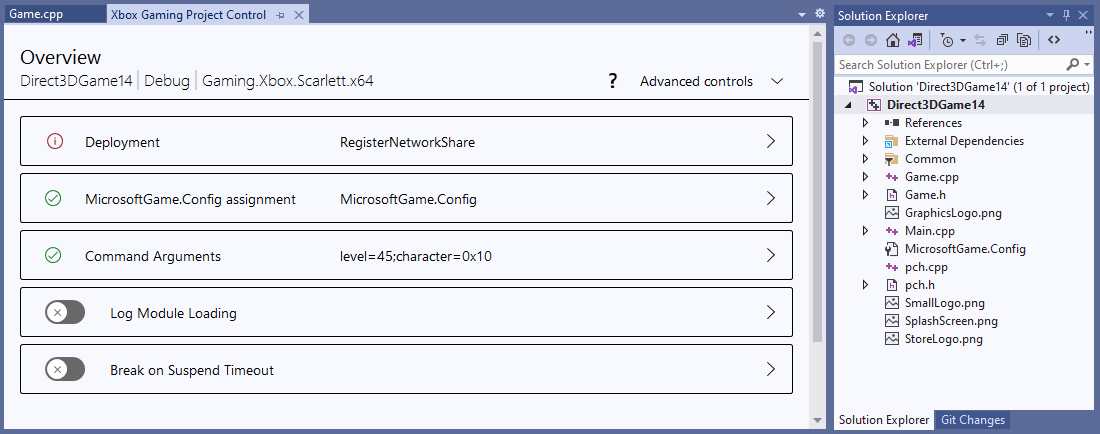
- Deployment
- MicrosoftGameConfig.mgc assignment
- Command Arguments
- Logging of Module Loads
- Break on Suspend Timeout

Deployment Settings
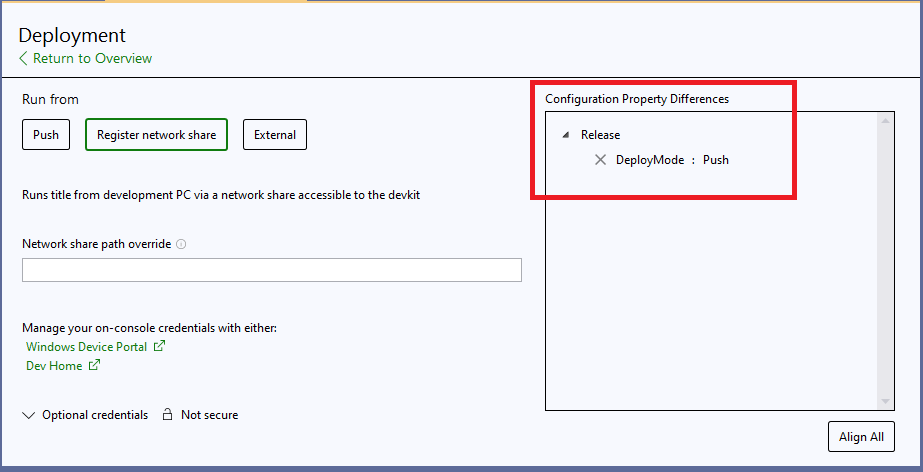
Use the Deployment page to specify the deployment method and method-specific settings for the active configuration and platform. Choose a deployment method by selecting one of the Push, RfPC, or External buttons. The currently selected deployment method is indicated by a green highlight around the corresponding deployment method button. Settings specific to a deployment method are displayed based on the method selected. In the following figure, the RfPC deployment method is selected. Edit boxes are available to change the launch string and to enter optional credentials.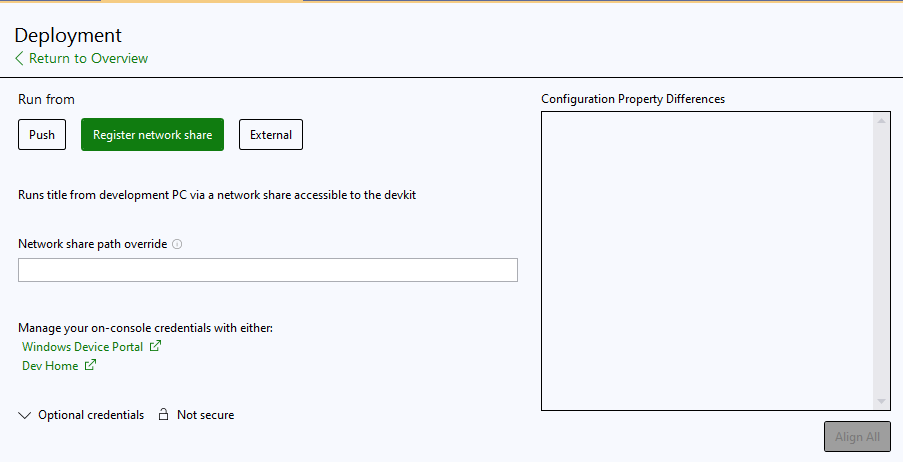
MicrosoftGameConfig.mgc Settings
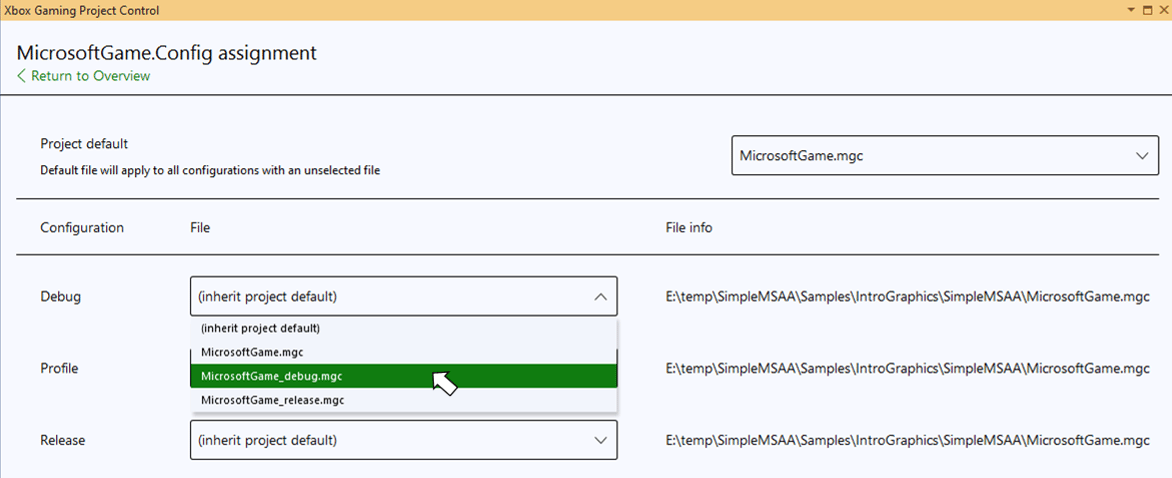
The Visual Studio project system and msbuild files include support for specifying different MicrosoftGameConfig.mgc files for each build configuration. MicrosoftGameConfig.mgc files are renamed to MicrosoftGame.config when they are copied to the output directory when a project is built. Clicking the MicrosoftGame.config assigment button opens a page that lets you specify the MicrosoftGameConfig.mgc file to use for each build configuration. A default MicrosftGameConfig.mgc file can also be specified. This default file will be used for all configurations unless explicitly overridden. Use the Project Default dropdown to specify a default MicrosoftGameConfig.mgc file as shown in the following figure. Note that when a project is first created using one of the Microsoft Game Development Kit (GDK) templates, a default MicrosoftGameConfig.mgc is implicitly set for you.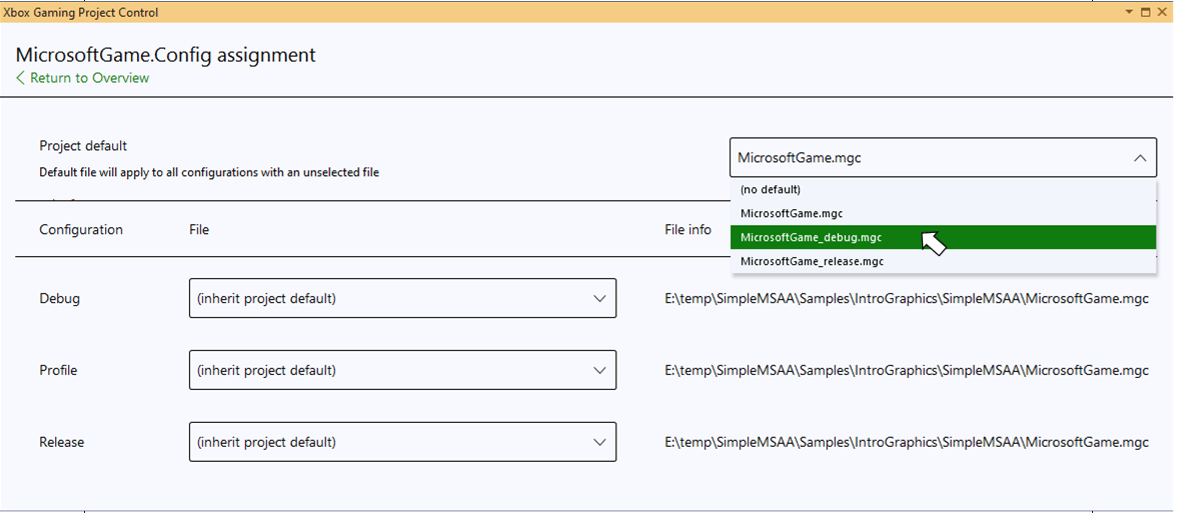
Command Arguments
Use the Command Arguments page to edit the arguments for each build configuration. Separate edit boxes are provided for each configuration.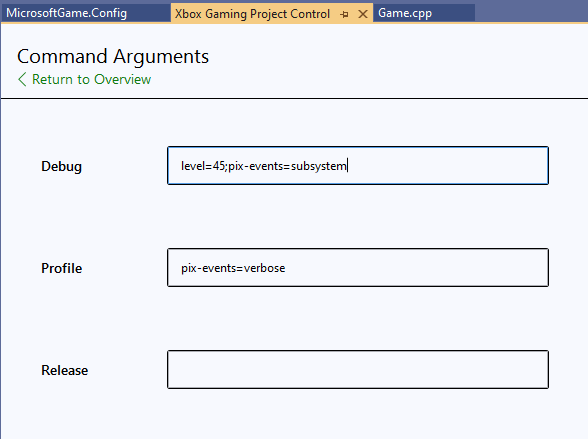
Logging of Module Loads
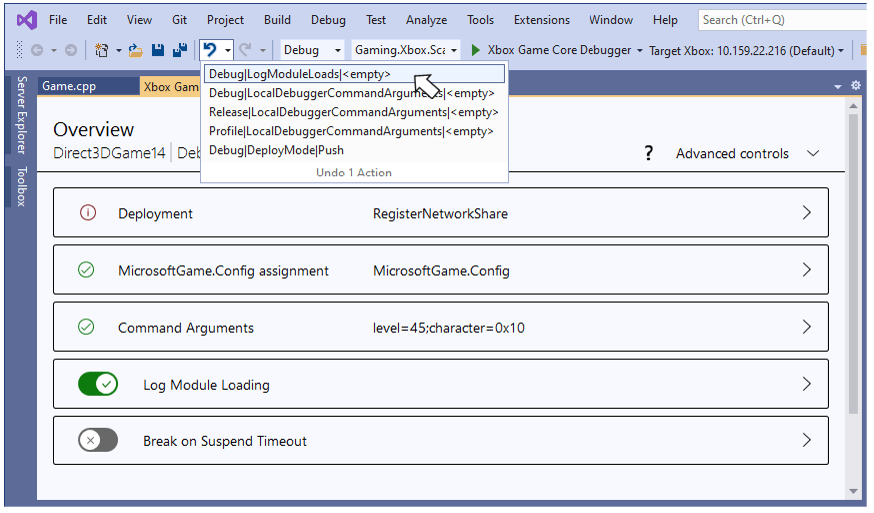
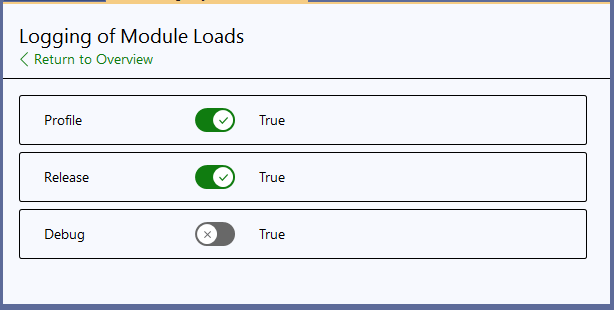
Use the Logging of Module Loads button to enable verbose debug output, which includes module loading information. The slider on the button itself toggles the property for the active build configuration.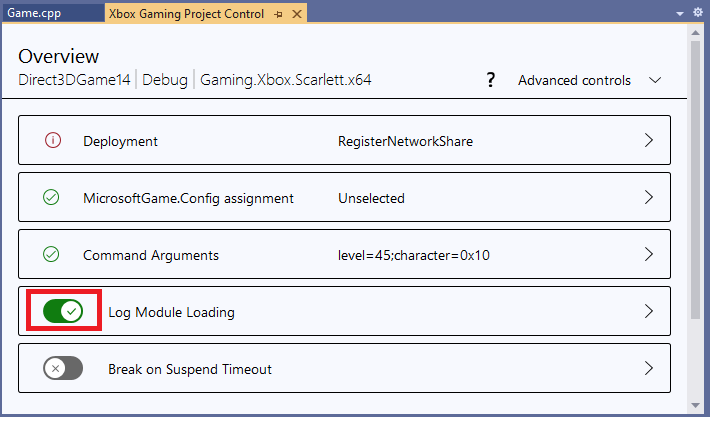
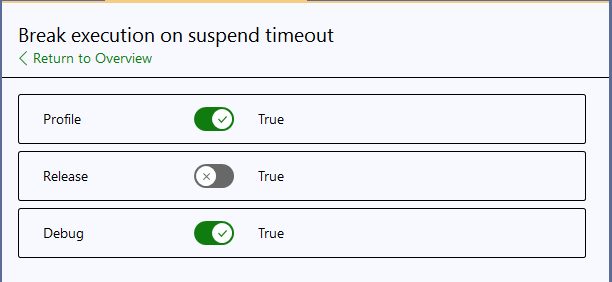
Break on Suspend Timeout
Use the Break execution on suspend timeout button to re-enable the 1 second suspend timeout when a debugger is attached. The slider on the button itself toggles the property for the active build configuration.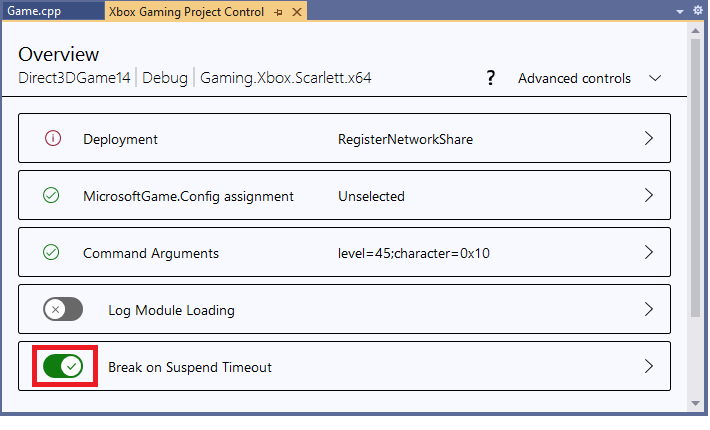
Advanced Controls
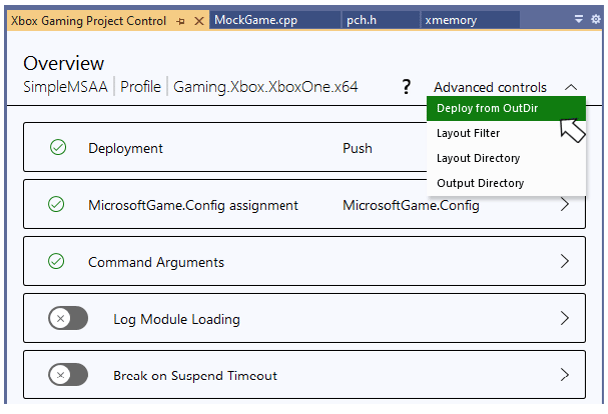
Use the Advanced controls dropdown to access the editing pages for the Deploy from Outdir, LayoutDir, LayoutExtensionFilter, and OutDir properties.