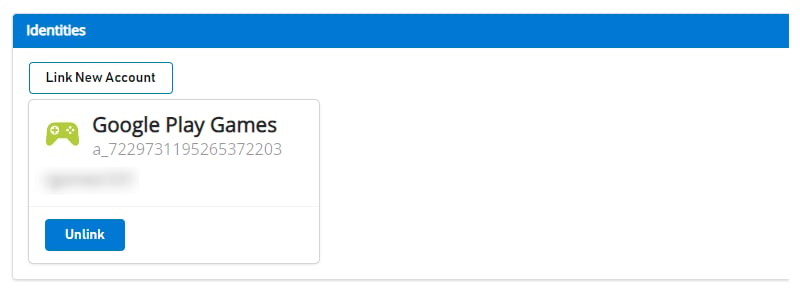
LoginWithGooglePlayGamesServices API 迁移过程
迁移包括切换到 LoginWithGooglePlayGamesServices,因为 Google 正在鼓励开发者迁移到这种身份验证方式。迁移玩家后,将不再依赖 LoginWithGoogleAccount API,开发者应该能够升级到最新的插件版本。 有关更多信息,请参阅 Google 官方文档。高层步骤
- 选择合适版本的“Play Games Plugin for Unity”。
- 初始化 Play Games Platform 并对用户进行身份验证。
- 使用 LoginWithGoogleAccount 登录到 PlayFab。
- 将你的 Google Play Games 配置文件与 PlayFab 玩家账户关联。
- 验证用户可以使用 LoginWithGooglePlayGamesServices API 登录。
- (可选)从 PlayFab 玩家账户取消关联你的 Google 账户配置文件。
迁移步骤
选择合适版本的“Play Games Plugin for Unity”
最新版本的插件不适合迁移,因为 Google 不再允许请求额外的作用域,所以 PlayFab 的 LoginWithGoogleAccount API 不再有效。 这些迁移步骤使用“Play Games Plugin for Unity”0.10.14 版本进行了测试和记录,可以在这里找到:playgameservices/play-games-plugin-for-unity at v10.14 (github.com) 有关插件安装和配置步骤,请参阅插件的 README初始化 Play Games Platform 并对玩家进行身份验证
参考 README 中的 Configuration & Initialization Play Games Services 部分,并在 PlayGamesClientConfiguration 中请求“profile”作用域。使用 LoginWithGoogleAccount 登录到 PlayFab
使用 LoginWithGoogleAccount 身份验证 API 登录到现有玩家的账户。为了成功登录,你需要提供一个 Server Auth Token,可以通过 GetServerAuthCode 方法请求。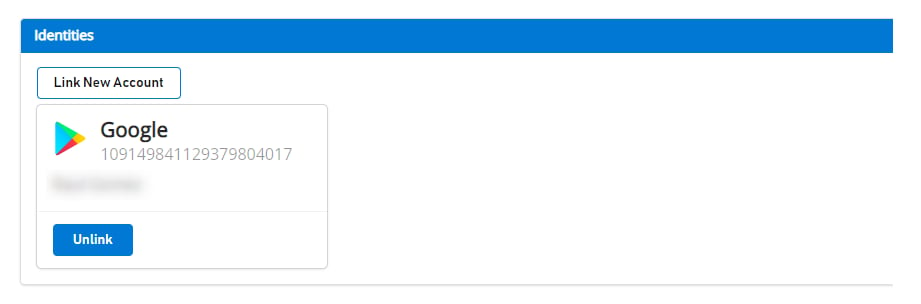
将玩家的 Google Play Games 配置文件与 PlayFab 玩家账户关联
在此步骤中,你将玩家的 Google Play Games 账户与之前仅关联到 Google 账户的现有玩家 PlayFab 账户关联起来。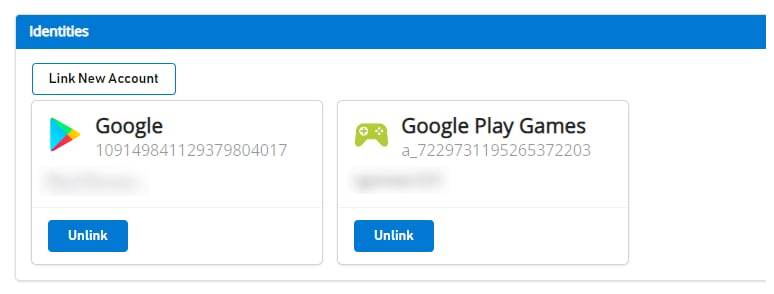
验证玩家可以使用 LoginWithGooglePlayGamesServices API 登录
(可选)从 PlayFab 玩家账户取消关联你的 Google 账户配置文件
此步骤是可选的。但是,如果你已经确认 Google Play Games Services 配置文件已关联到玩家账户,并且可以成功登录到 PlayFab,则你可能希望使用 UnlinkGoogleAccount API 取消关联之前关联到玩家配置文件的任何 Google 账户配置文件,并转向仅使用 LoginWithGooglePlayGamesServices API。