
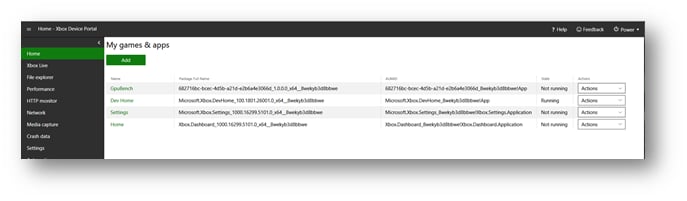
The My Games & apps pane of the XBOX Device Portal Home page shows the games and apps that are installed on your console as shown in the following screenshot. Use this pane to configure an overlay folder for your game. To configure an overlay folder for your game, use the following steps.
  1. In the My games & apps pane, select the name of your game. The View Details dialog box for your game appears.
  2. In the Overlay Folder box, enter the overlay folder path that you want to use for your game as shown in the following screenshot.
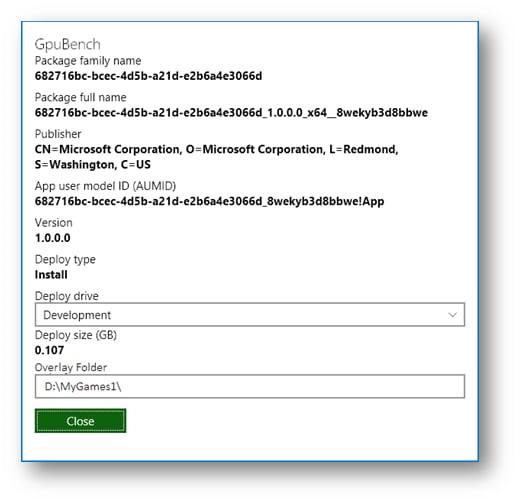
  1. Select Close.
Last modified on August 20, 2026