
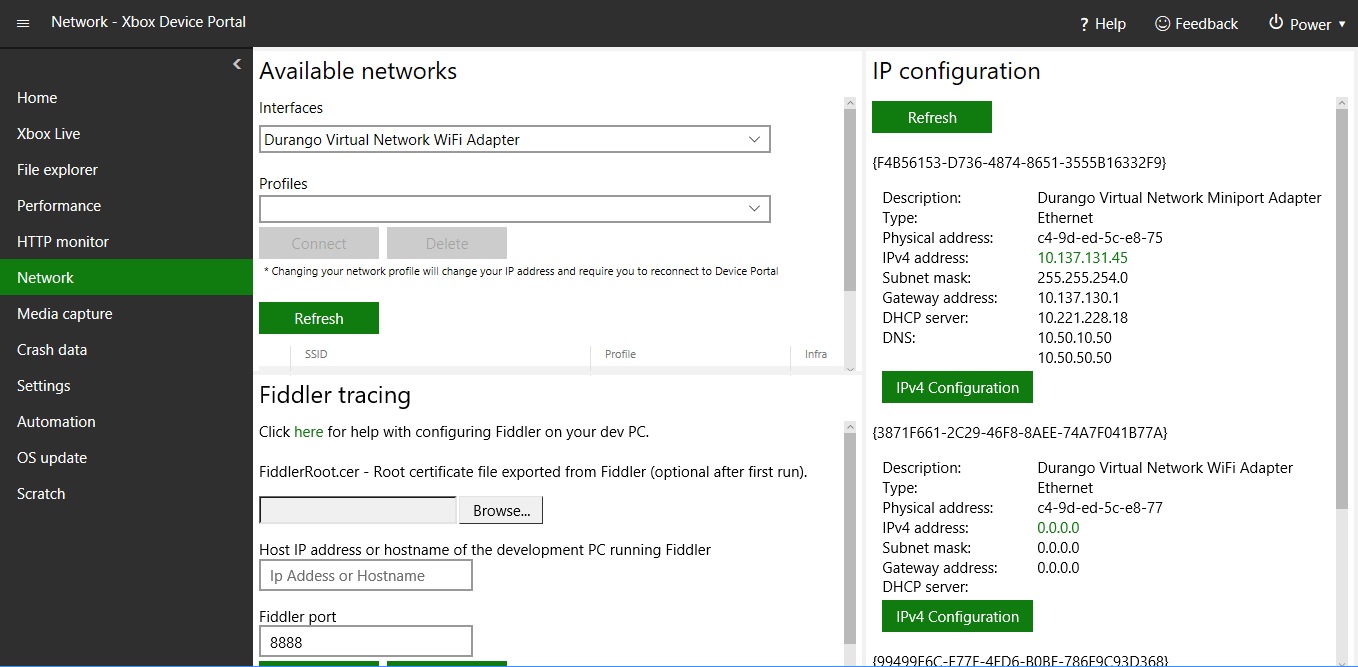
Use the Network page to switch between the available network interfaces and profiles, configure Fiddler, and retrieve the network configuration information as shown in the following screenshot. Screenshot of the Network page in XBOX Device Portal The Network page has the following panes.

Available networks pane

The Available networks pane shows the available networks. You can select the network that the console should use.

Fiddler tracing pane

The Fiddler tracing page shows the configuration settings for Fiddler to use with your console.

IP configuration pane

The IP configuration pane shows the IP configuration values for the available interfaces.
Last modified on August 20, 2026