
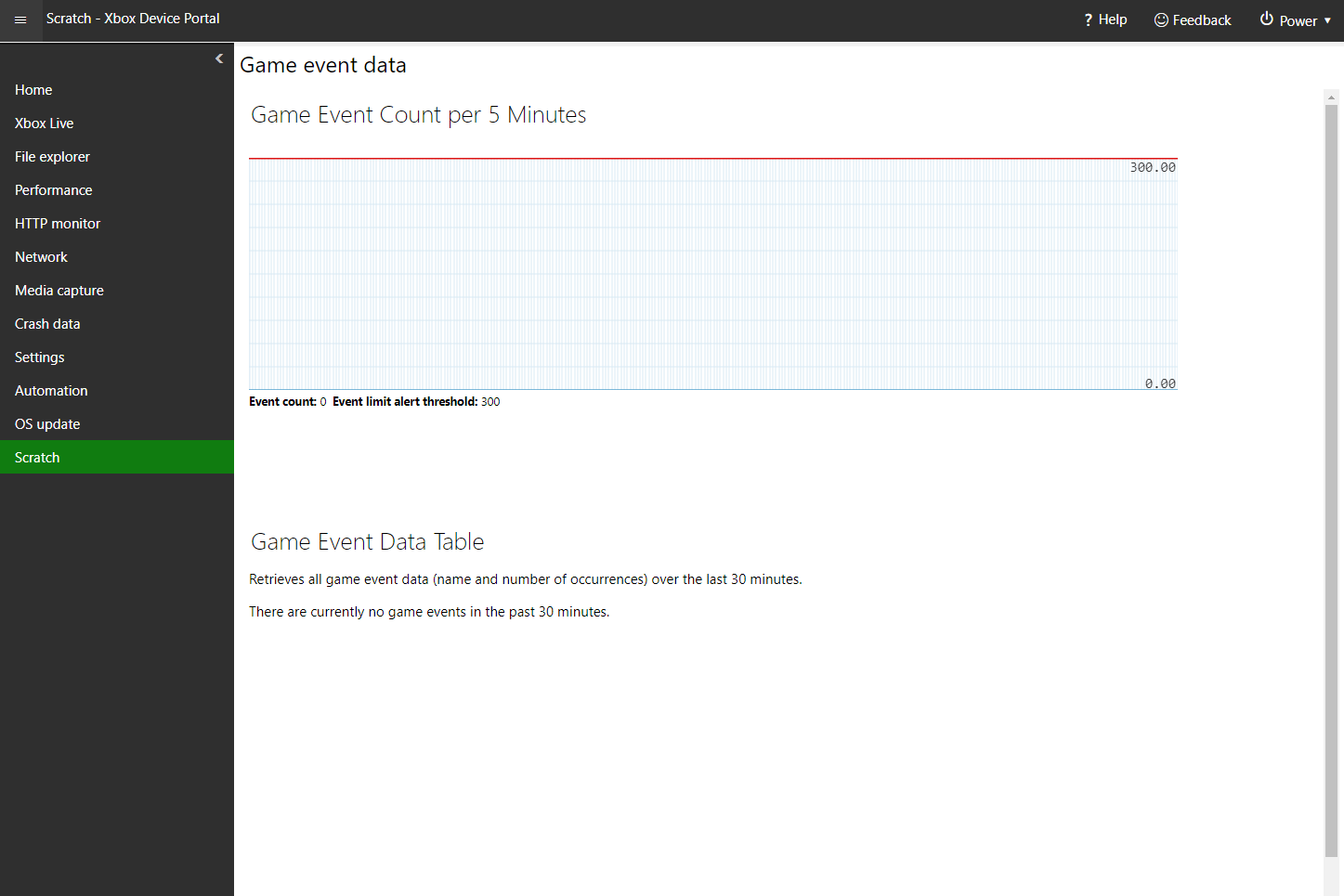
Use the Game event data page (via the Scratch page) to view a real-time graph that streams in the number of Event Tracing for Windows (ETW) game events that are currently recorded on the console as shown in the following screenshot. If there are game events recorded on the system, you can also view details (event name, event occurrence, and game title) that describe each event in a data table that appears below the data graph. This table appears only when events have been recorded. Screenshot of the Game event data page in XBOX Device Portal The Game event data page has the following panes.

Game Event Count per x Minutes pane

Use the Game Event Count per x Minutes pane to see the number of game events over the span of x minutes. The blue line represents the event count value over the last x minutes. The red line represents a static event count limit. When the event count exceeds the event count limit, a notification appears that describes this situation.

Game Event Data Table pane

Use the Game Event Data Table pane to see a data table of game events for the launched game that were recorded over the last 30 minutes. If no game events were recorded over this time span, the table doesn’t appear. Instead, this message appears, “There are currently no game events in the past 30 minutes.”
Last modified on August 20, 2026