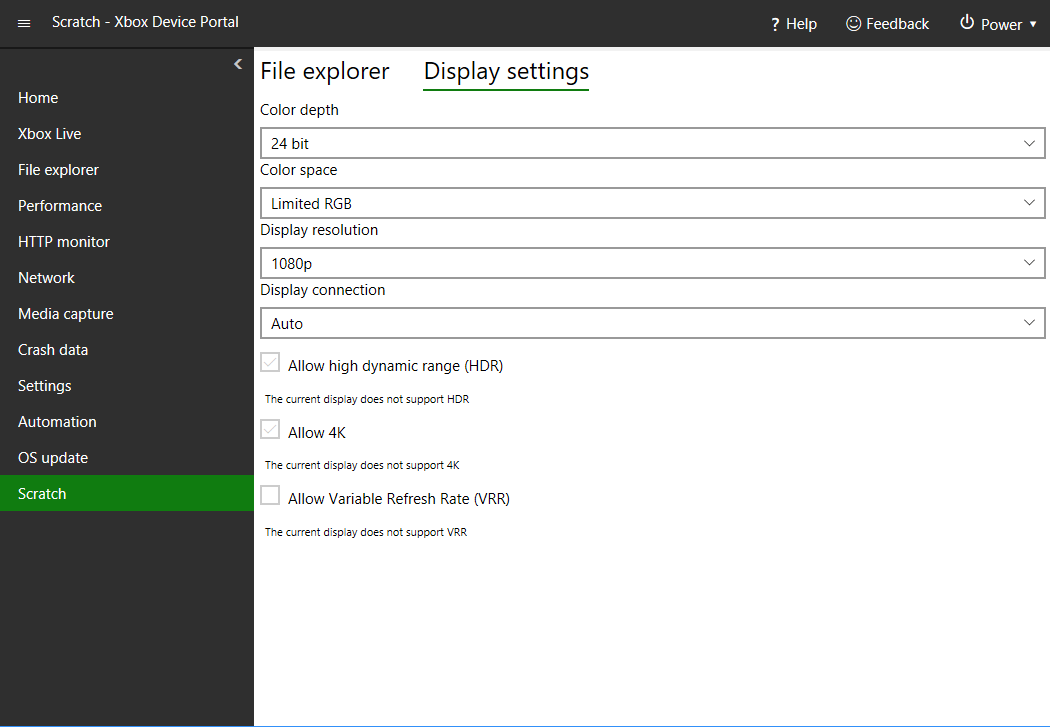
To add a tool to a workspace
- Go to the workspace that you want to add a tool to (for example, the Scratch page).
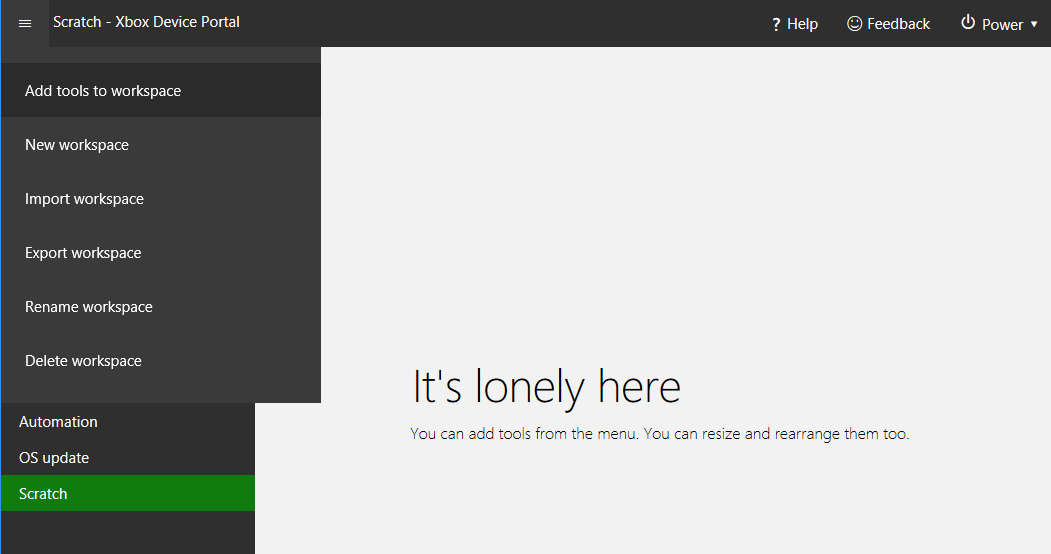
- Select Menu (the icon that has three lines).
-
Select Add tools to workspace on the menu that appears as shown in the following screenshot.
-
Select the tools that you want to add to the workspace as shown in the following screenshot.
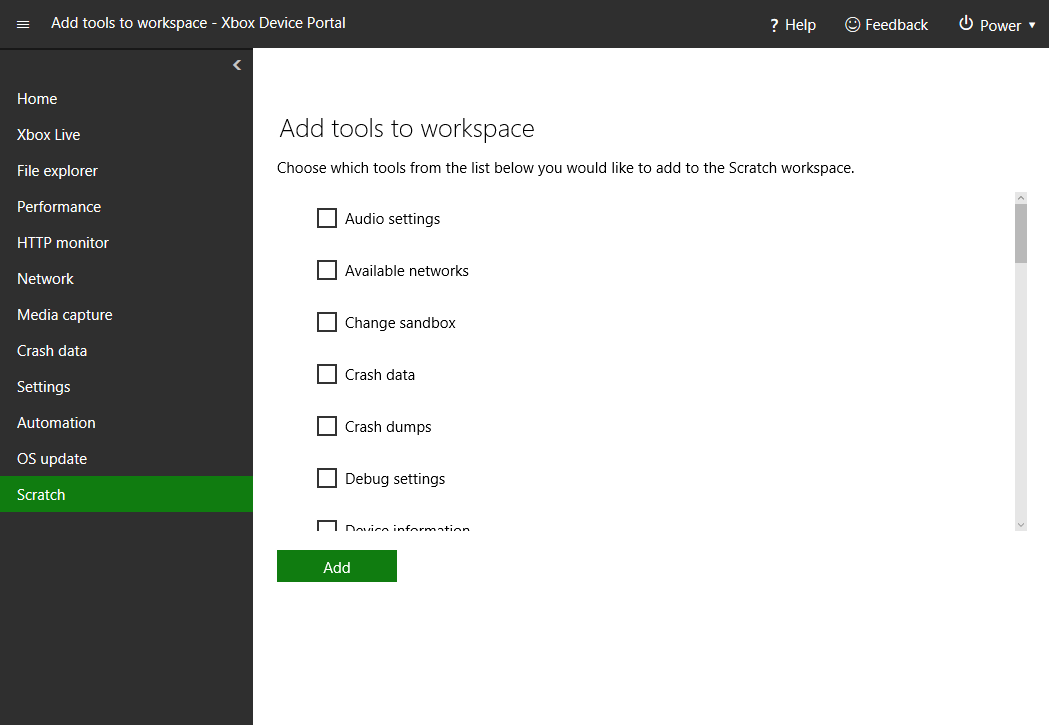
- Select Add.
-
The selected tools are now in the current workspace as shown in the following screenshot.