
Capabilities
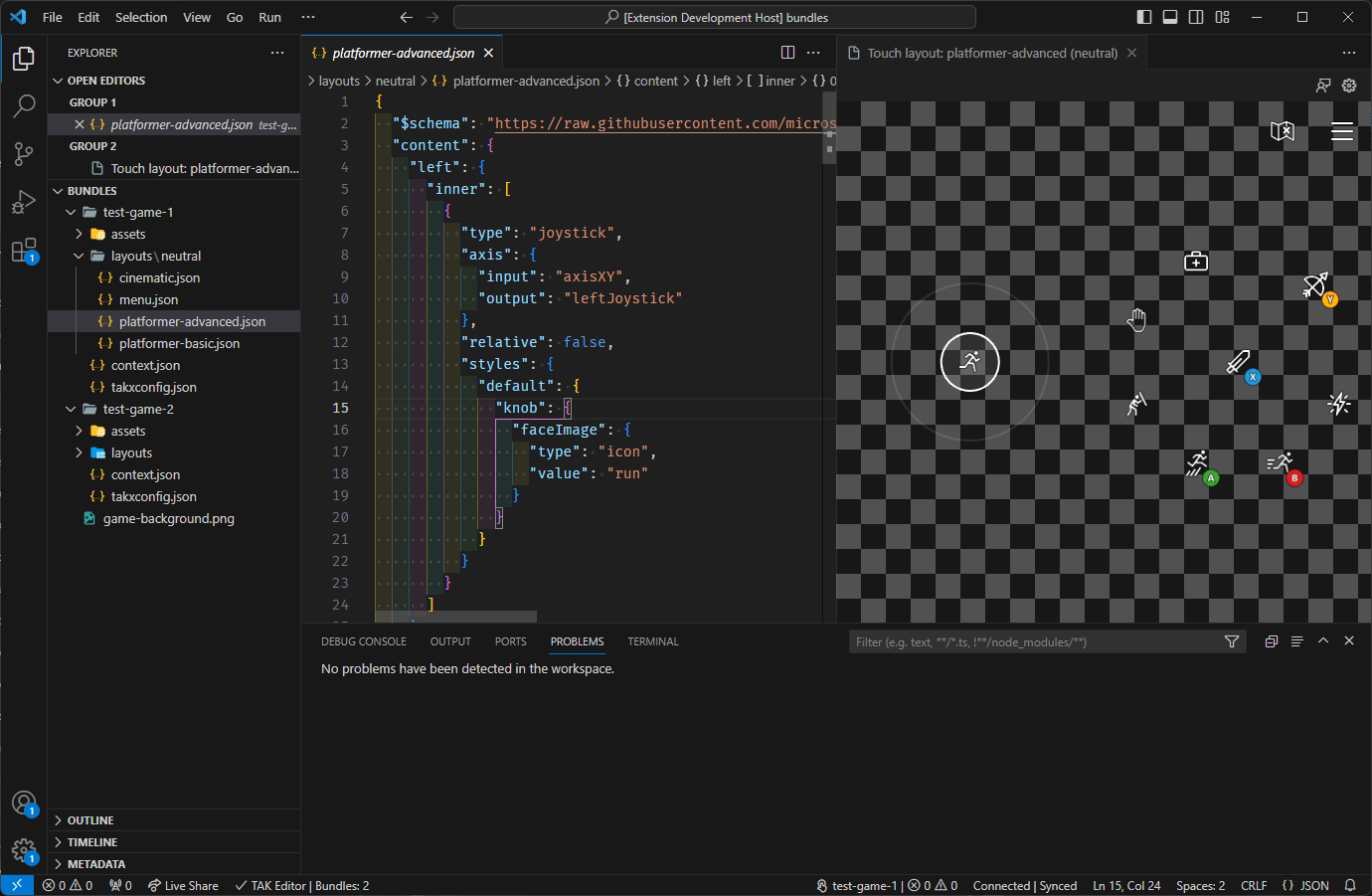
The TAK Editor serves as the fundamental instrument for initiating the process of designing touch controls for a game on XBOX Game Streaming. Some key features include:- Create touch adaptation bundles using predefined templates, or start from scratch with the blank template.
- Create additional layouts for existing bundles.
- Live interactive preview of layouts.
- Customize the preview background with colors and images to simulate different game scenes.
- View verification issues with a bundle in the VS Code Problems Panel.
- Pack a bundle for submission to the XBOX Game Streaming service.
Prerequisites
- Visual Studio Code
- Touch Adaptation Kit Command Line Tool (TAK CLI)
Installation
The extension can be installed through the Visual Studio Code Marketplace or from within Visual Studio Code. To install from within Visual Studio Code:- Open Visual Studio Code.
- Browse for extensions by clicking on the Extensions icon in the Activity Bar on the side of the window.
Ctrl+Shift+Xon WindowsCmd+Shift+Xon macOS
- Search for “Touch Adaptation Kit Editor” and click on the extension.
- Click the Install button.
Next step
[!div class=“nextstepaction”] TAK Editor Setup