
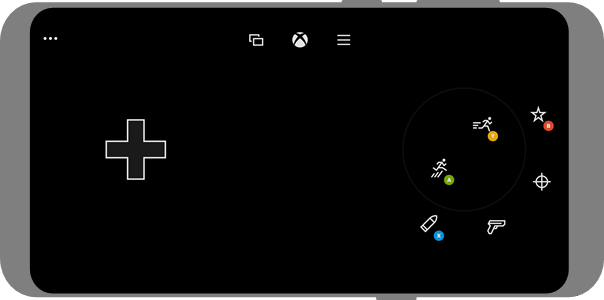
- Touch Adaptation Kit Layouts. The streaming client can overlay touch controls over the game. You can provide custom layouts that optimize the controls for your game and change to different layouts for different parts of your game.
- Native touch. You can support touch directly for areas of your game that would respond to standard touch interactions more naturally than controller interactions. Examples of where this is commonly desired include menus, inventory management, and map interactions.
Touch Adaptation Kit layouts
For a more advanced guide on the best practices for designing touch layouts by using the Touch Adaptation Kit, check out A designer’s guide to building touch controls. You can take the following actions by using the Touch Adaptation Kit (TAK).- Create custom touch-adapted layouts.
- Deploy custom touch-adapted layouts to your device.
- Use the Cloud Aware touch adaptation kit APIs to control the display of your control layouts.
Touch adaptation kit layouts are only visible to users who are actively using touch input. When a controller is actively being used, the touch controls are hidden. As such, it’s always safe and preferable to add touch adaptation kit layouts and call the Cloud Aware touch adaptation kit APIs.
Support native touch
Supporting native touch is similar to supporting mouse or other input in your game. Touch events will be represented by IGameInputReading with a GameInputKind that has the value ofGameInputKindTouch.
For a complete guide to implementing native touch, check out Building a native touch interface for your game with IGameInput