
Before using Reports, make sure you have executed some API calls which have been captured by the Reports system already.
Access reports
To access the Reports page:- Use the side bar menu and navigate to Analytics.
- Select the Reports tab.
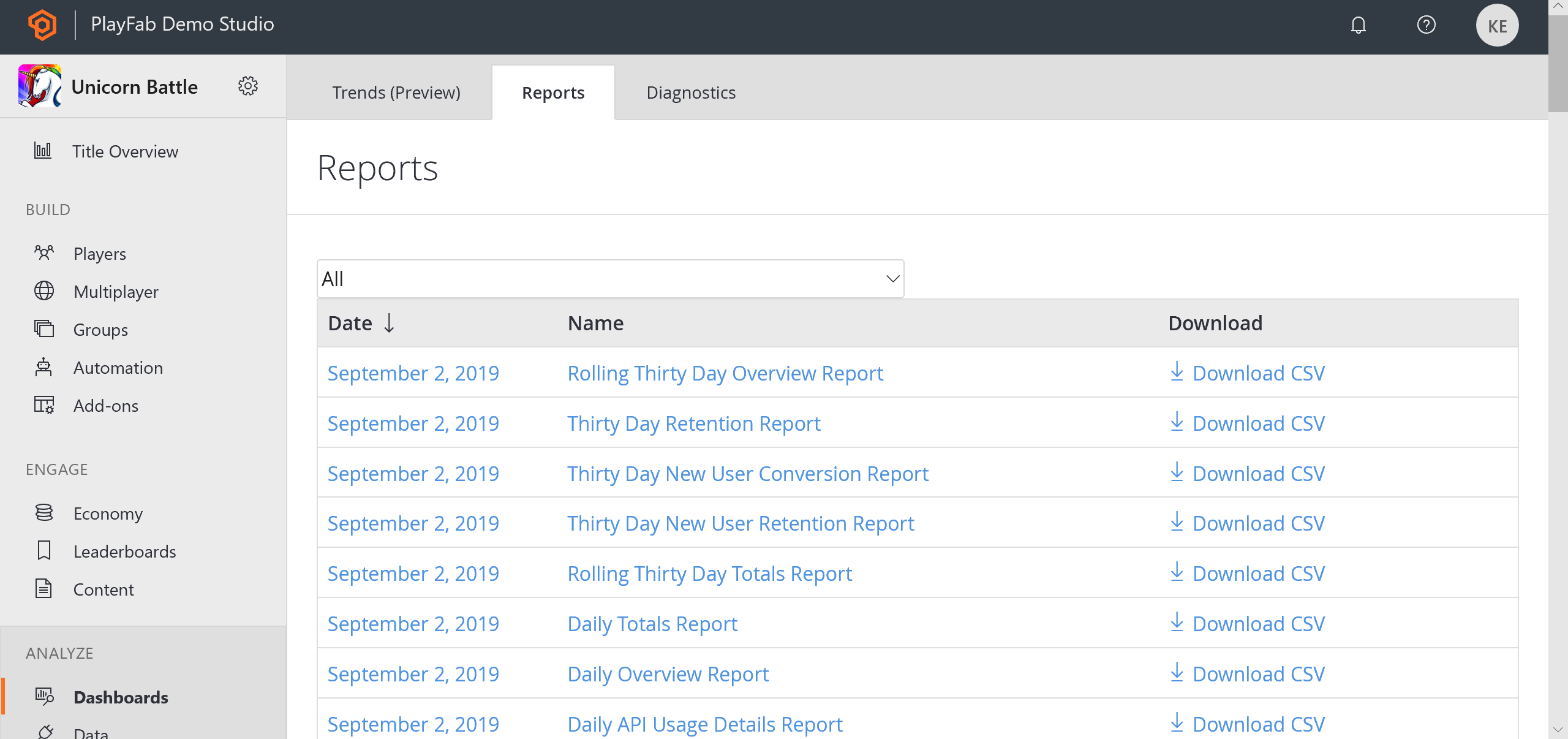
Reports overview
The example shown below shows an overview of the Reports page.- The first section allows you to filter Reports by Type (Name).
- The Date column lists the time intervals for all Reports that have been generated. You can select the Date label to access report details for a specific date.
- The Name column identifies the Report Type uniquely. You can select the Name label to access report details for the corresponding Date.
- When Report data is available, you can download a CSV representation of the data by selecting Download CSV.
- When Report data is not available for a given day (no events that day), the Date and Name labels will render black, will not be selectable, and the option of downloading the report as a CSV will not be available.
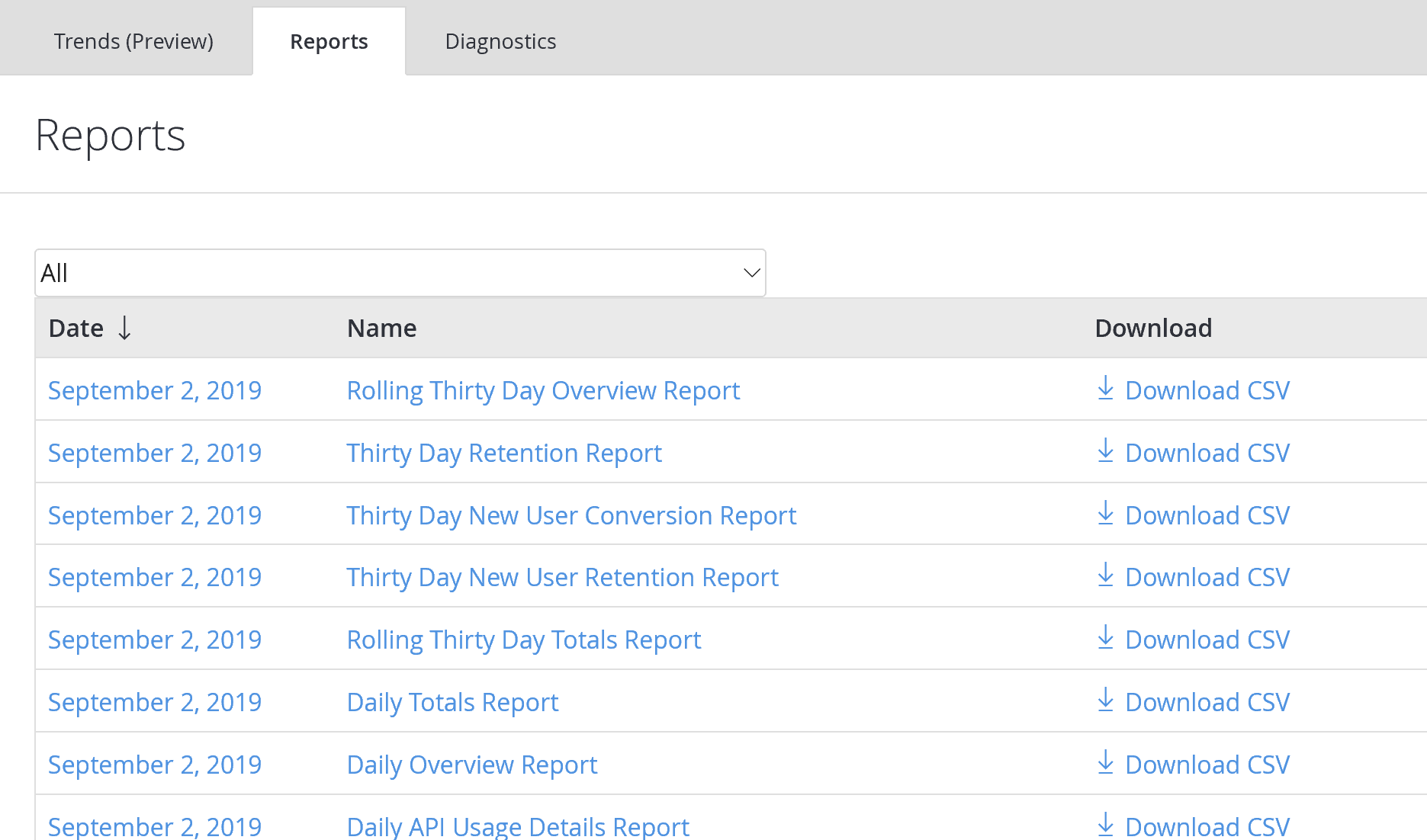
Report Types
- Daily, Monthly, and Rolling Thirty-Day Overview and Totals Reports
- Tracks hourly, daily, and monthly logins, revenue, and API usage.
- Thirty-day Retention Report
- Tracks the percentages of all active players who return to your game over 30 days.
- Thirty-day New User Retention Report
- Tracks the percentages of new players who return to your game over the first 30 days.
- Thirty-day New User Conversion Report
- Tracks the percentages of new players who spend money within the first 30 days.
- Daily and Monthly Top Spender Report
- Tracks the top 100 spenders in your game.
- Daily and Monthly Top Items Report
- Tracks the top 100 items in your game.
- Daily AB Test KPI Report
- Evaluates the effectiveness of your A/B test experiments.
- Daily API Usage Details Report
- Tracks the PlayFab API calls used by your title.
- Daily and Monthly CDN Usage Report
- Tracks Content Delivery Network (CDN) usage by your players.
- Daily Abuse Reports History Report
- View and read player bug reporting, and/or let players report each other for cheating.
The Name column is never selectable on this report, but the Download CSV column will still work if there is data present.