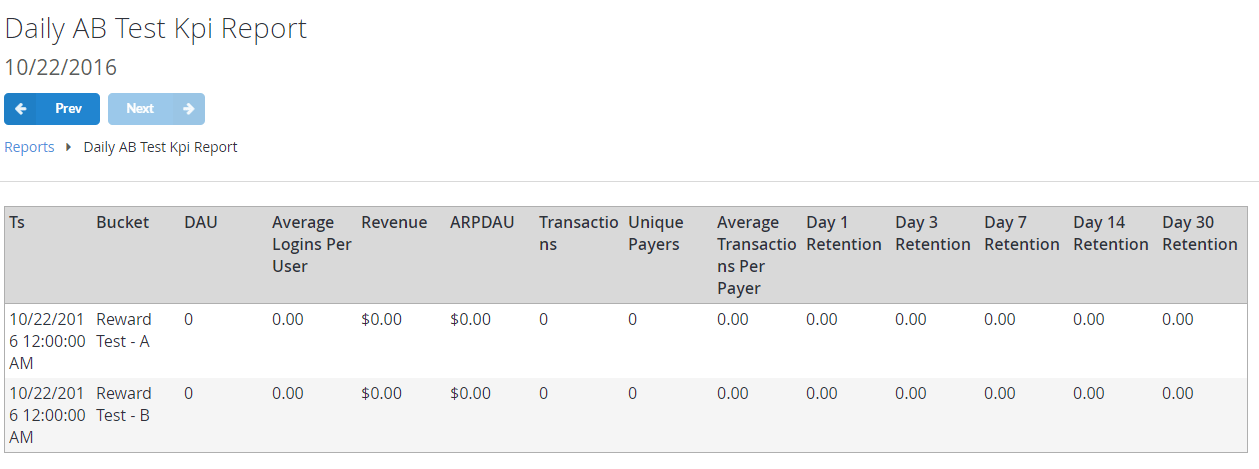
- DAU (Daily Active Users)
- Average Logins Per User
- ARPDAU (Average Revenue per Daily Active User)
- Total number of Transactions
- Total number of Unique Payers
- Average Transactions per Payer
- Retention for Day 1, 3, 7, 14 and 30
Populating the report
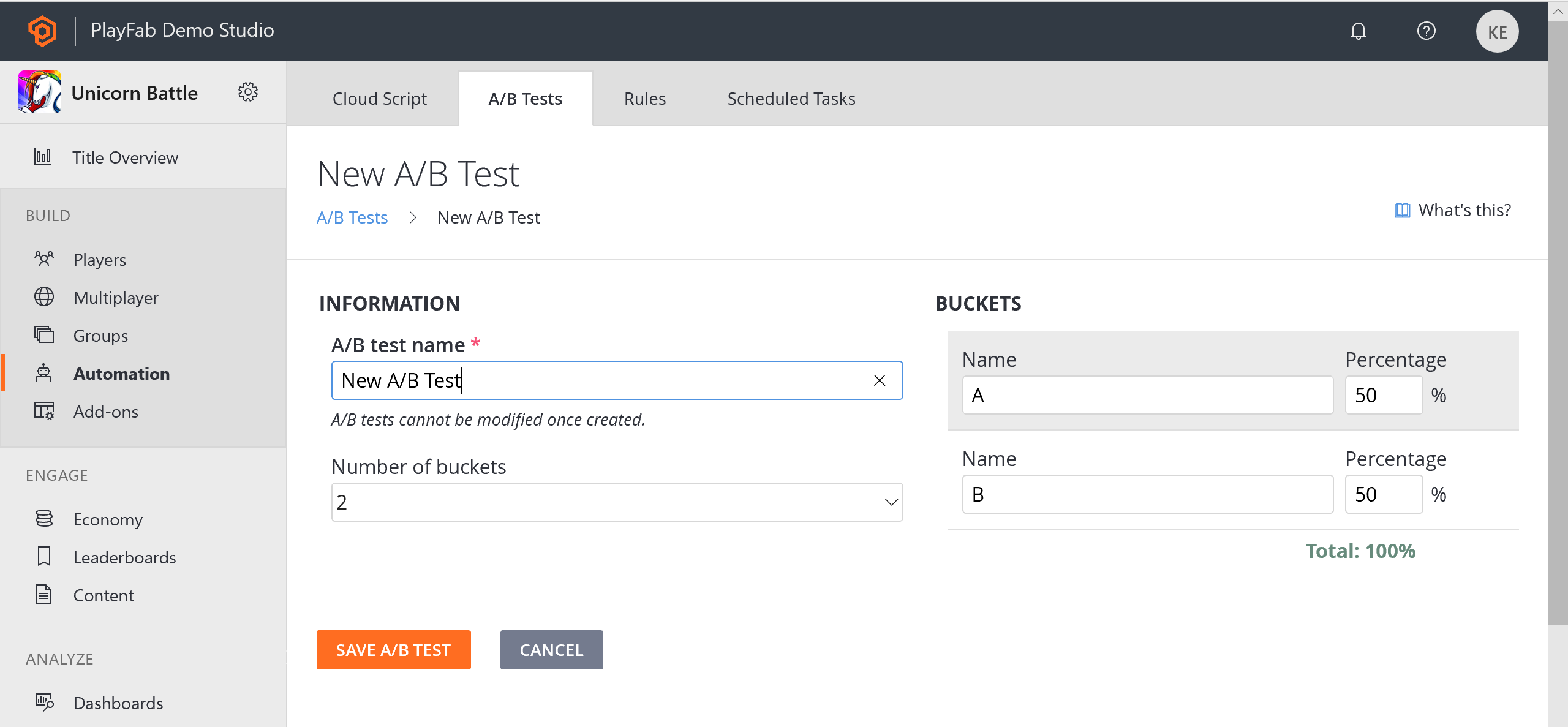
The first step in setting up A/B testing is to create an A/B test using the PlayFab Game Manager. To do this:- Select Automation from the menu to the left.
- Go to the A/B Testing tab.
- Create a New A/B Test and configure the A/B test name and user Buckets.
You can have up to 5 Buckets with independent ratios (%).