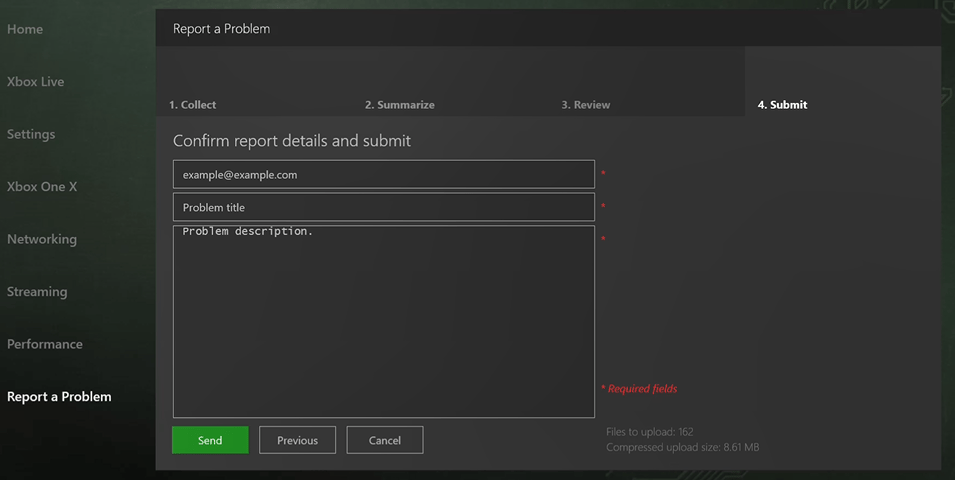
To report a problem
- Select the Report a Problem section in Developer Home (Dev Home).
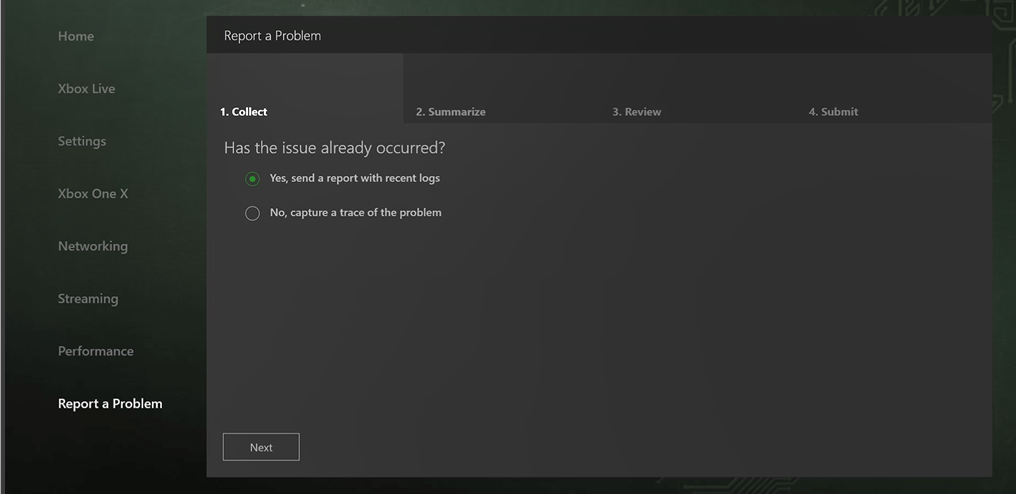
- On the Collect tab, shown in the following screenshot, select Yes if the issue has already happened. Select No if you want to capture a trace of the issue.
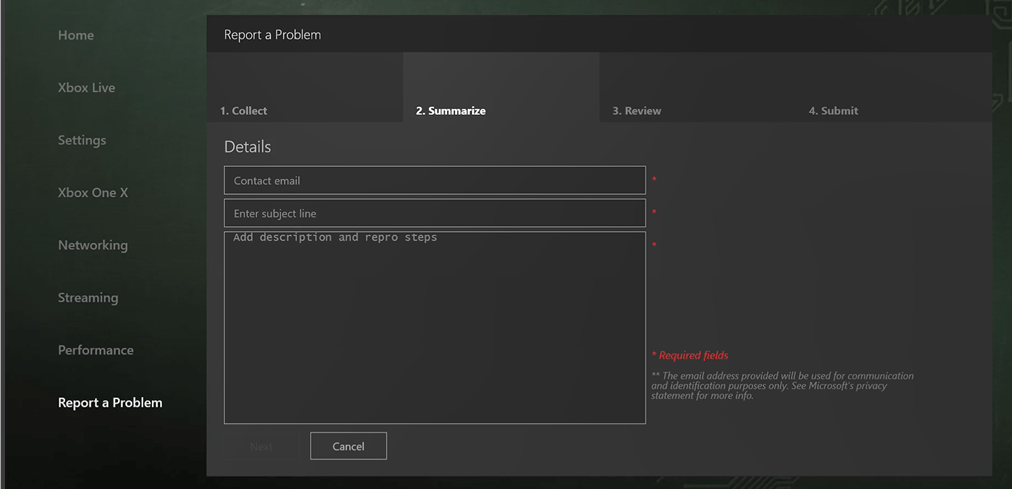
- On the Summarize tab, shown in the following screenshot, provide your contact information, a summary of the issue, and any steps to reproduce the issue.
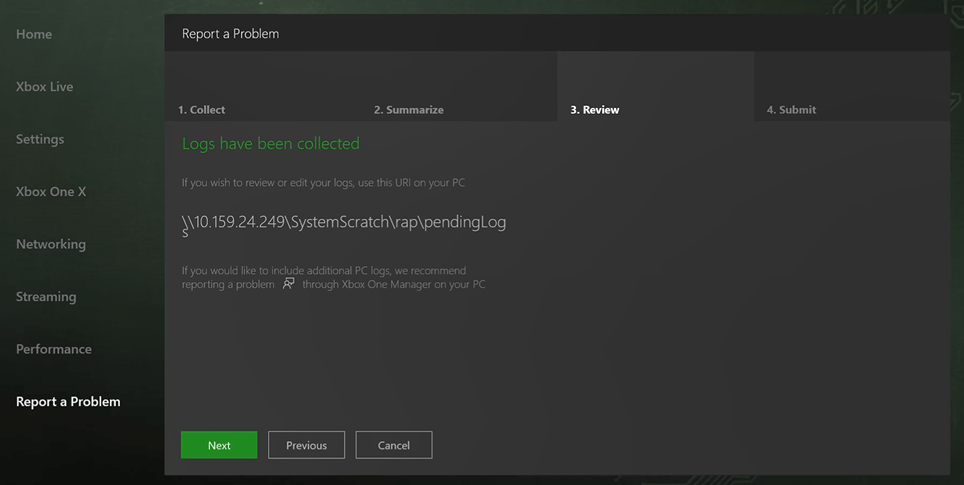
- On the Review tab, shown in the following screenshot, use the URI provided if you want to review or edit the logs that have been collected.
- On the Submit tab, shown in the following screenshot, confirm your report details and select Send to submit your report.