Accessing audit logs
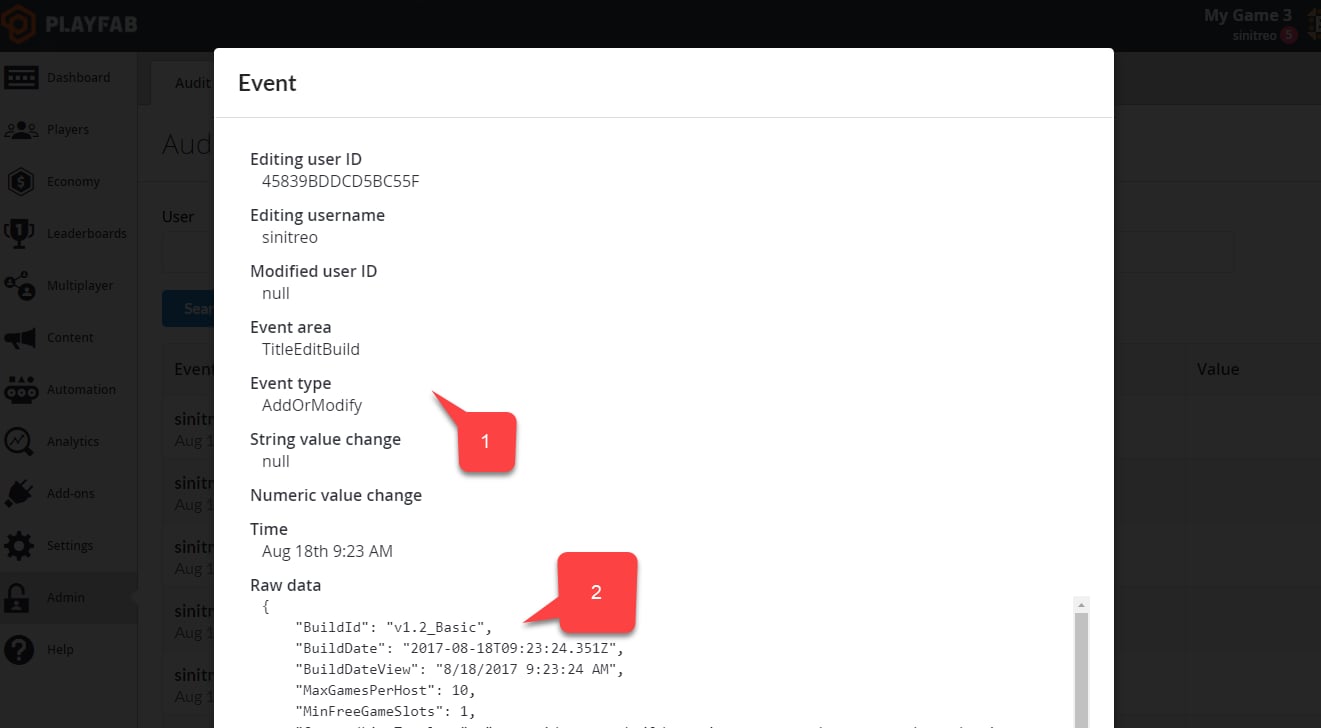
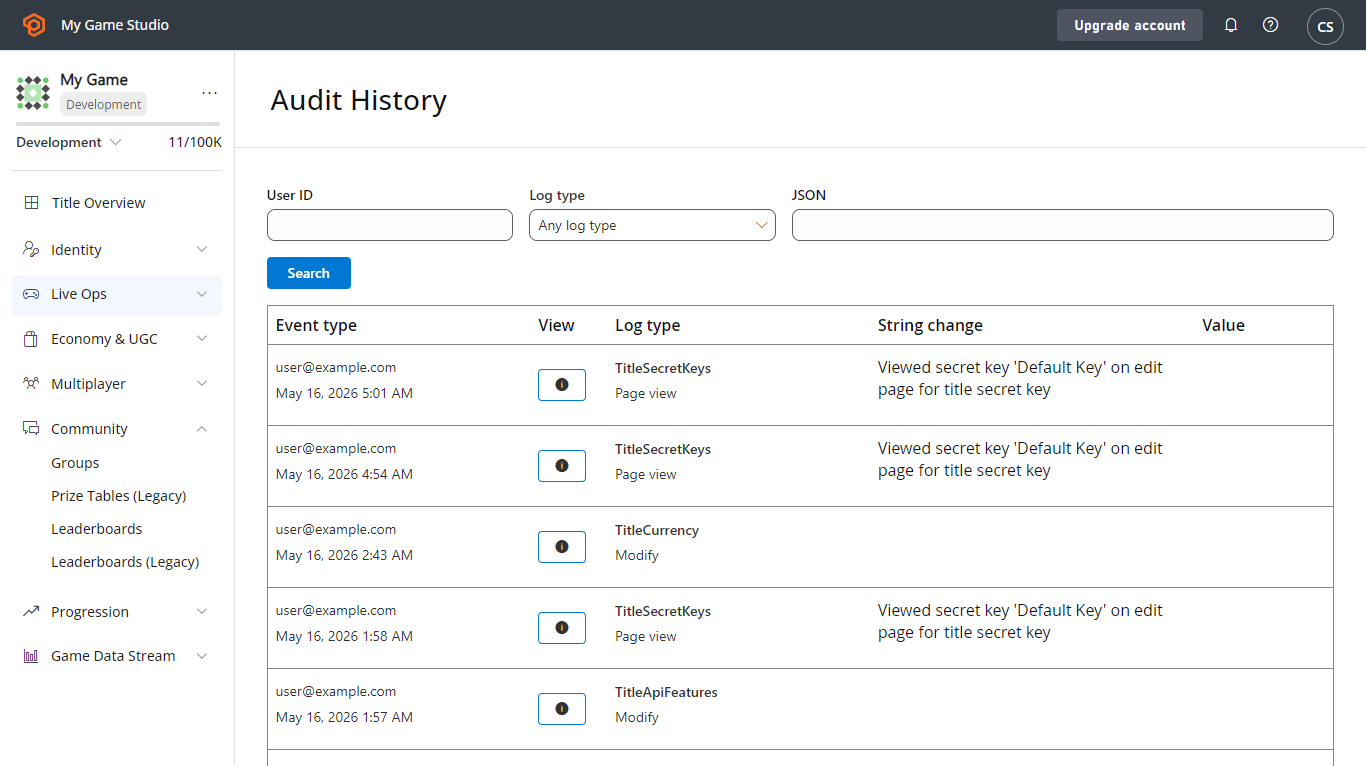
On the Audit History page, select any entry in the log to view the complete details. You can also navigate through the Logs using the SEARCH button.- The Event time column exposes information about the time and the author of the change.
- The Log type column gives you a clue about the kind of change that was made.
- The String change and Value columns represent short details of the change.
- The View column allows you to access a full JSON description of the change.
- The same data as the table.
- Plus a raw JSON body specific for each change type.