
System dialogs at a glance
Game Saves dialogs
Your other XBOX console is taking a long time to sync to the cloud
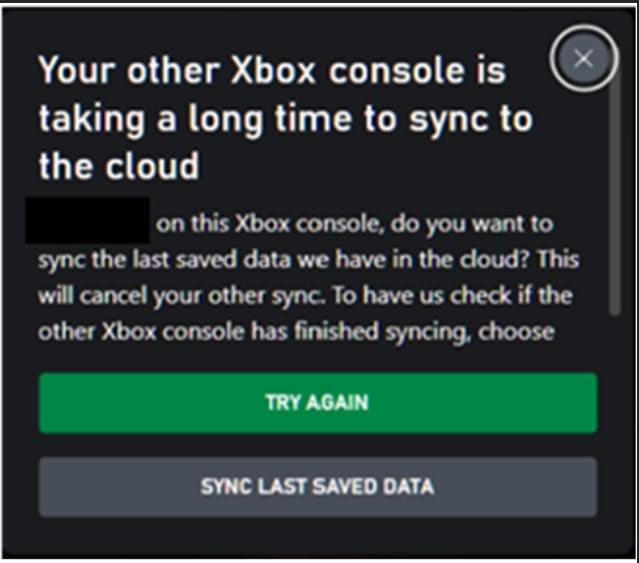
WebReleaseLock to release the lock. It’s also possible that the device might still be processing a large upload.
The user can choose one of the following options.
- Try again: Attempts to acquire the lock again. If the lock isn’t available, the same dialog appears.
- Sync last saved data: Releases the lock held by the other device and cancels its sync. The previous session’s data is lost. The current device becomes the active device and takes ownership of the lock.
- Cancel: Switches the title to offline mode.
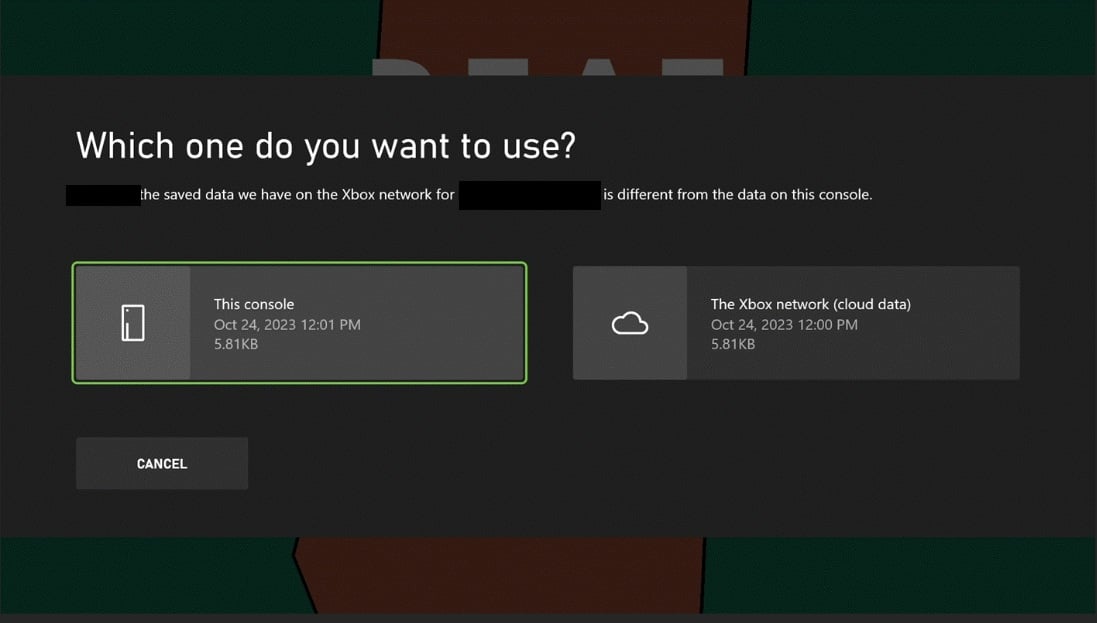
Which one do you want to use?
- Cross-device play.
- Offline play versus online play.
- Title or platform bugs are present.
- This console: Overwrites and deletes the user’s data in the cloud.
- The XBOX network (cloud data): Overwrites the data in local storage.
We couldn’t sync your data with the cloud
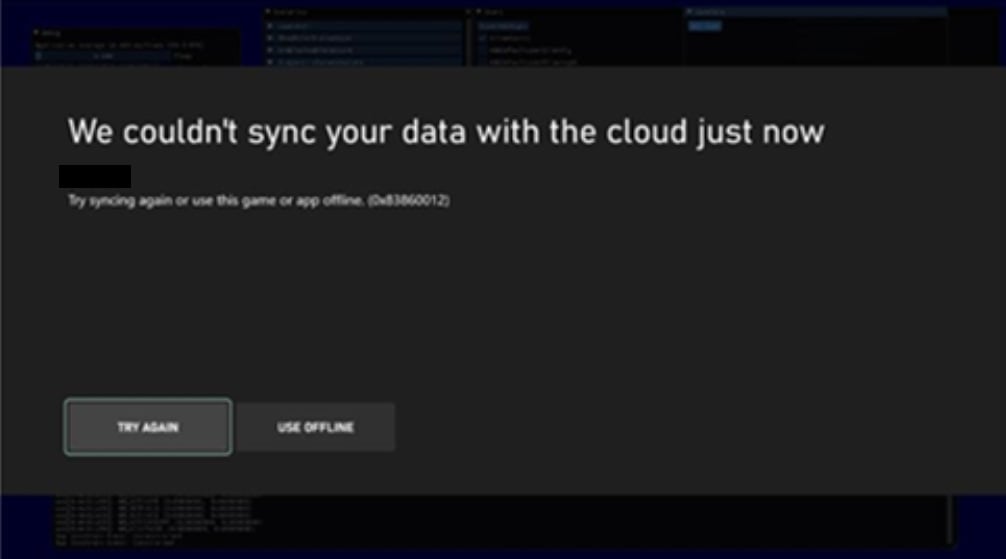
- Try again: The game tries to connect again.
- Use offline: Saves data locally for only the current session.
We couldn’t get your latest saved data
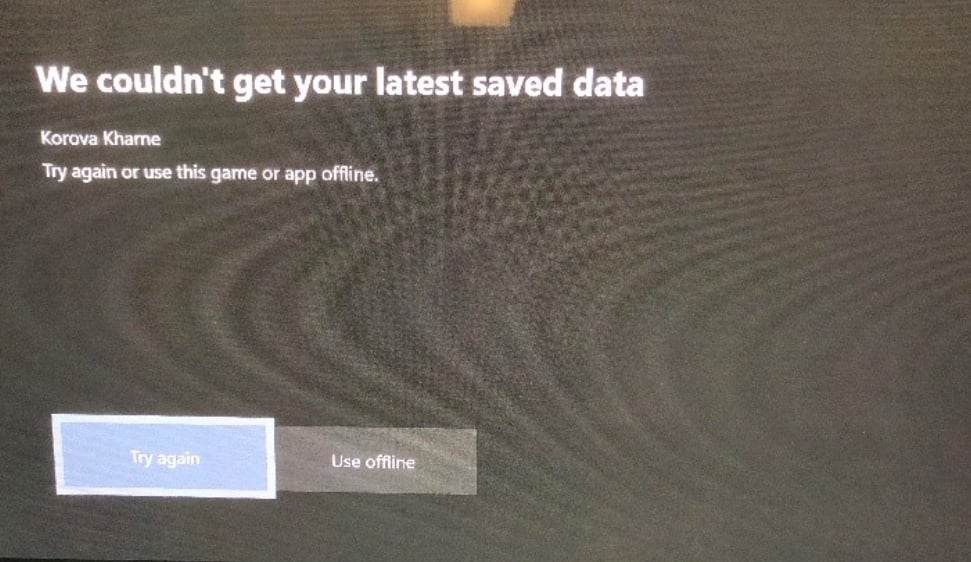
- Try again: The game tries to connect again.
- Use offline: Saves data locally for only the current session. Saves for the session aren’t uploaded.
There’s a problem with your saved games
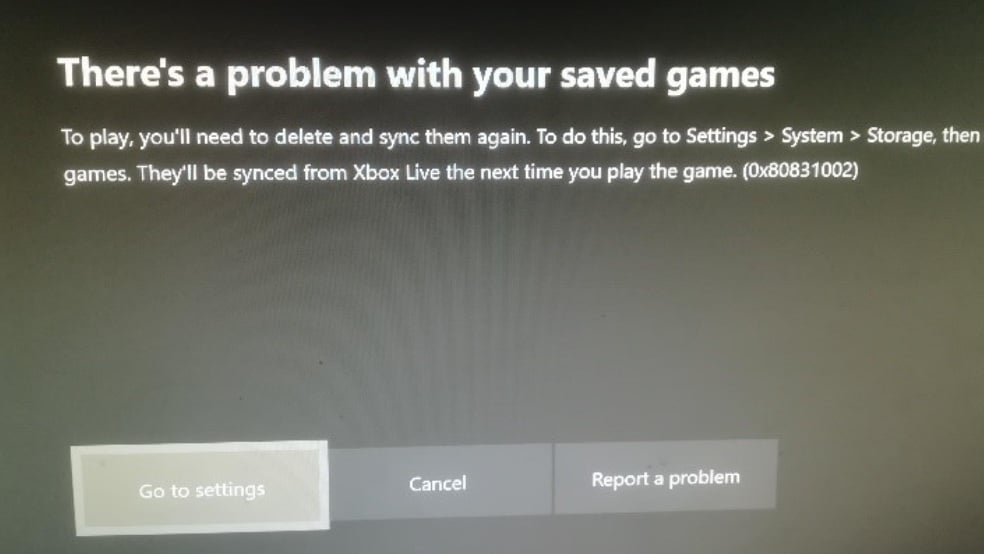
- Go to settings: Opens storage management, where users can clear local storage.
- Cancel:
- Report a problem. Diagnostics are sent directly to Microsoft.
Syncing data
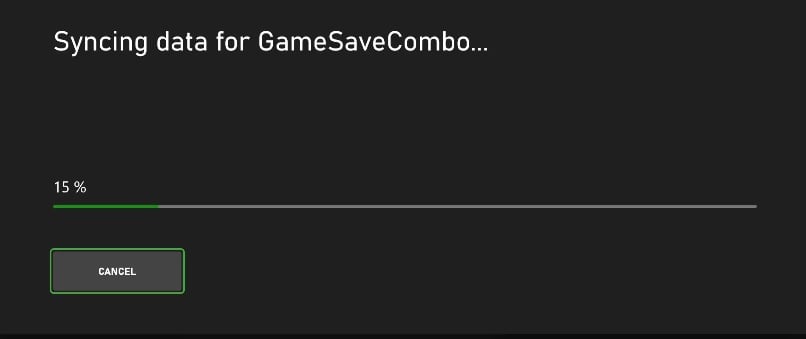
- Cancel: This causes the title to be played in offline mode.
Looks like you’re signed in on another device
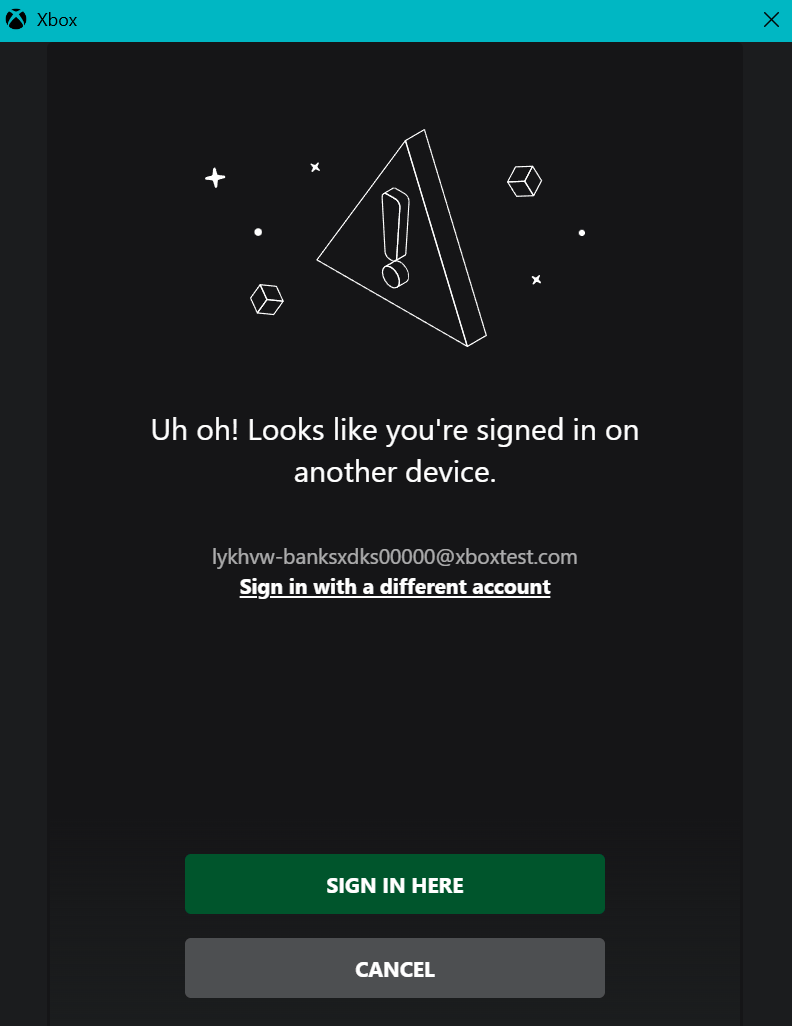
- Sign in here: Moves the session to the current device.
- Cancel: Cancels the sign-in flow, and then returns
E_ABORT: 0x80004004.
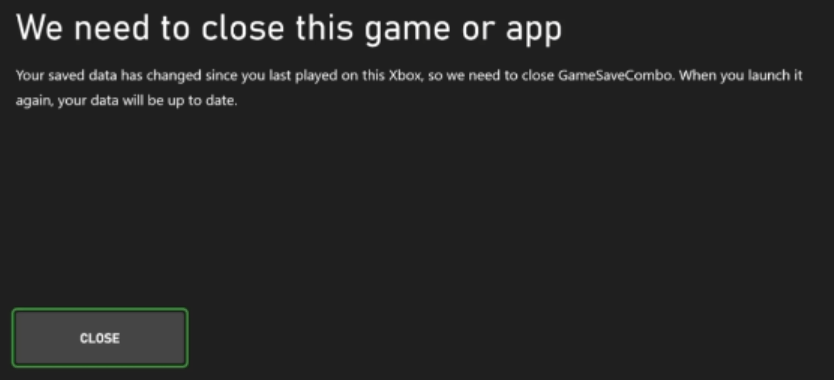
We need to close this game or app
There’s a temporary network problem
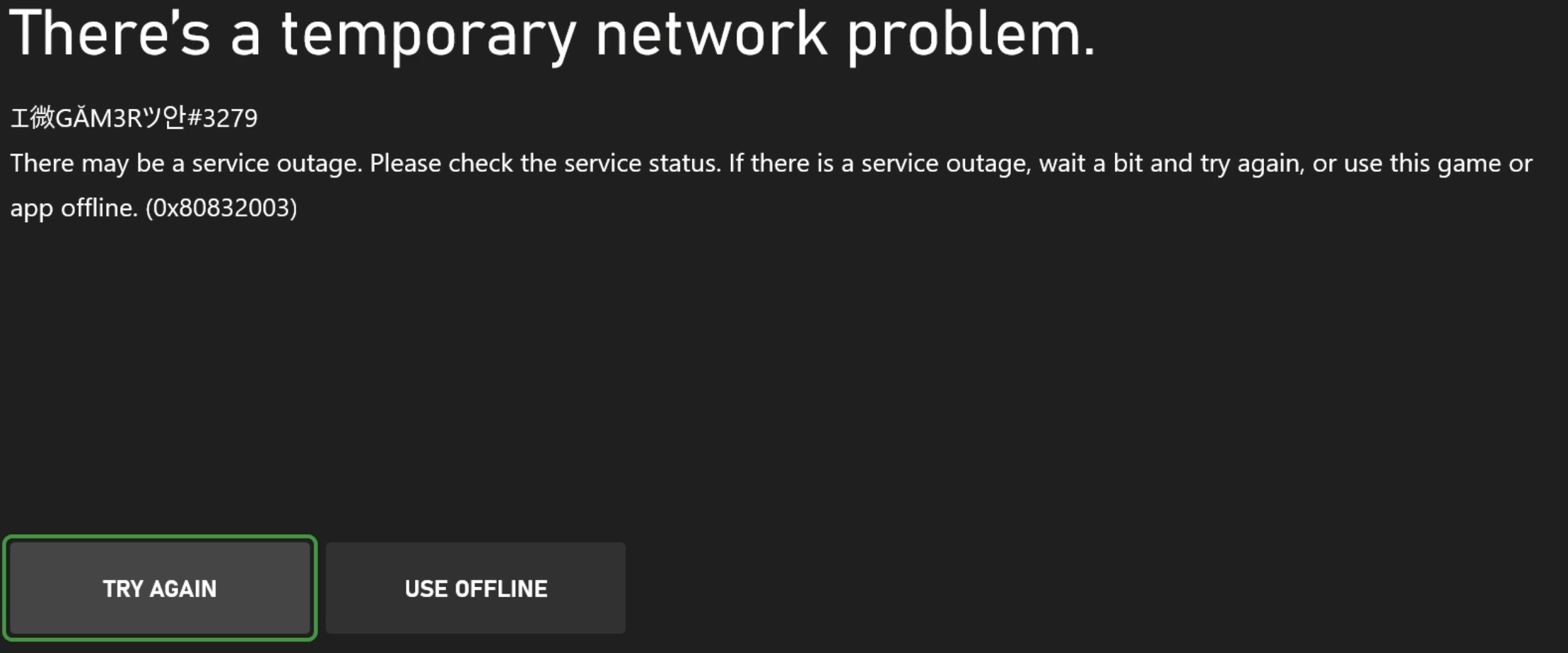
- Try again: The title attempts to initialize Game Saves again.
- Use offline: The title launches in Offline mode, storing all data to Game Saves local storage. Cloud sync doesn’t occur during the game session.