- Modifying prices in a store according to the time of the day.
- Updating title data to reflect changes for a current event.
- Injecting virtual currencies into the game economy daily, etc.
Step 1 - Prepare the CloudScript
In the Game Manager:- Select Automation in the menu to the left.
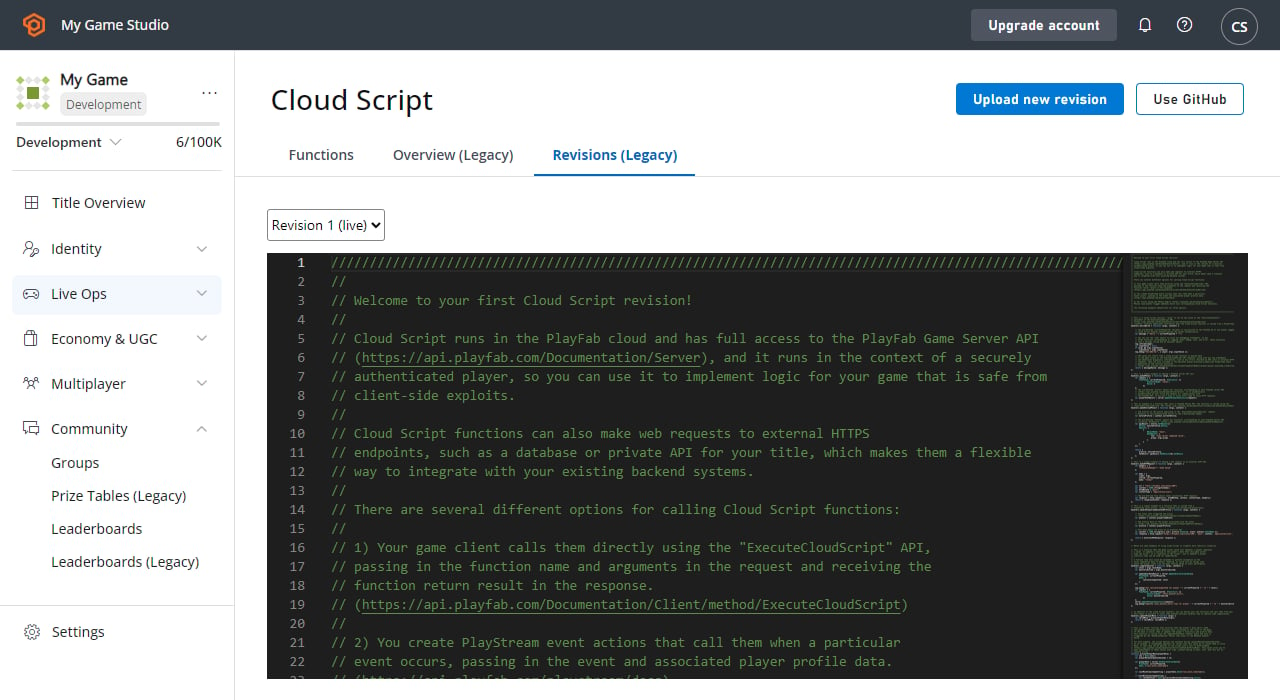
- On the CloudScript Revisions tab add a new CloudScript function called
adjustRareDropRatewith a simple call to theSetTitleDataAPI as shown in the code snippet and image below.
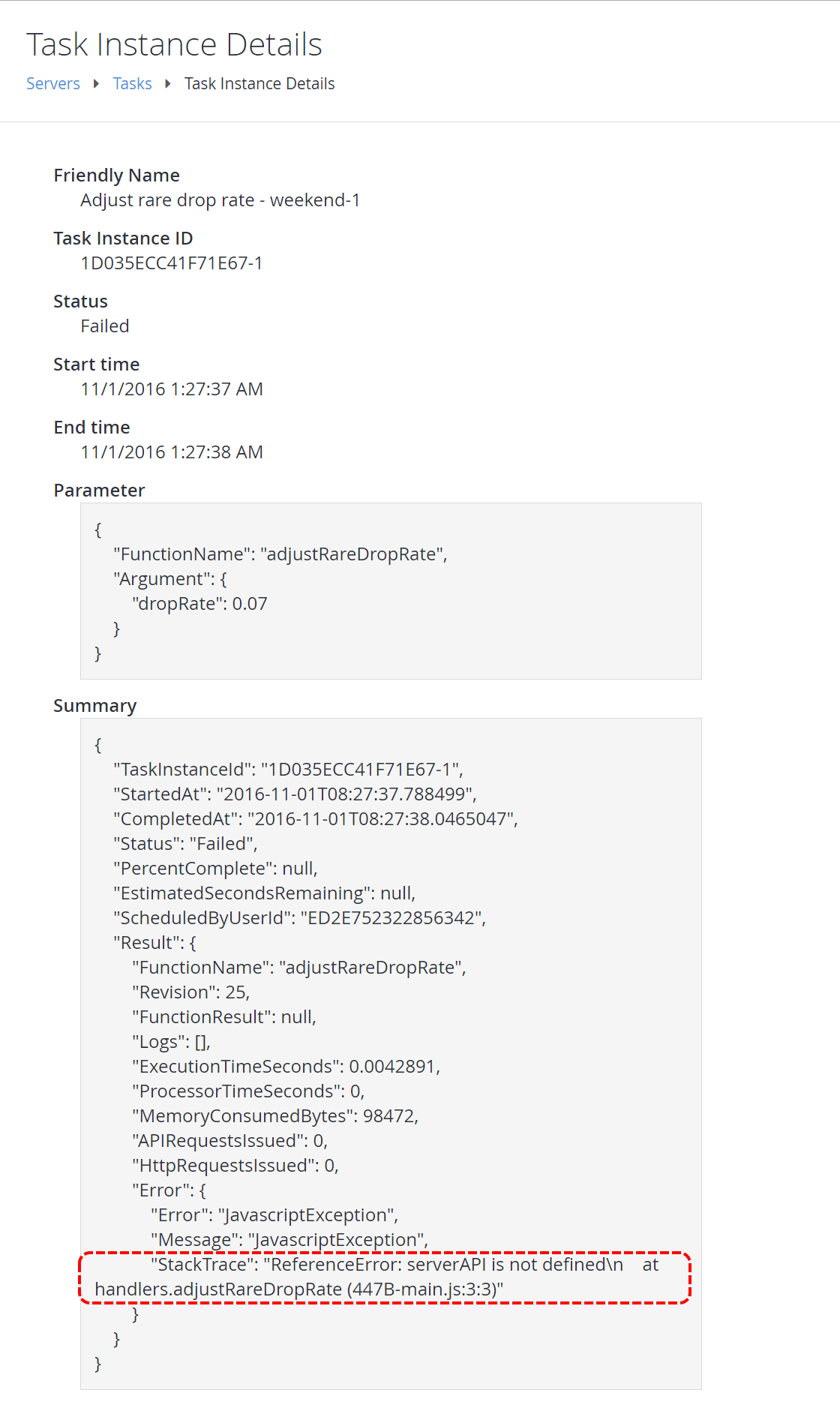
For the sharp-eyed, don’t worry - there’s a bug in there on purpose. Make sure you deploy the new revision, so that it is live in your game.
Step 2 - Create a scheduled task
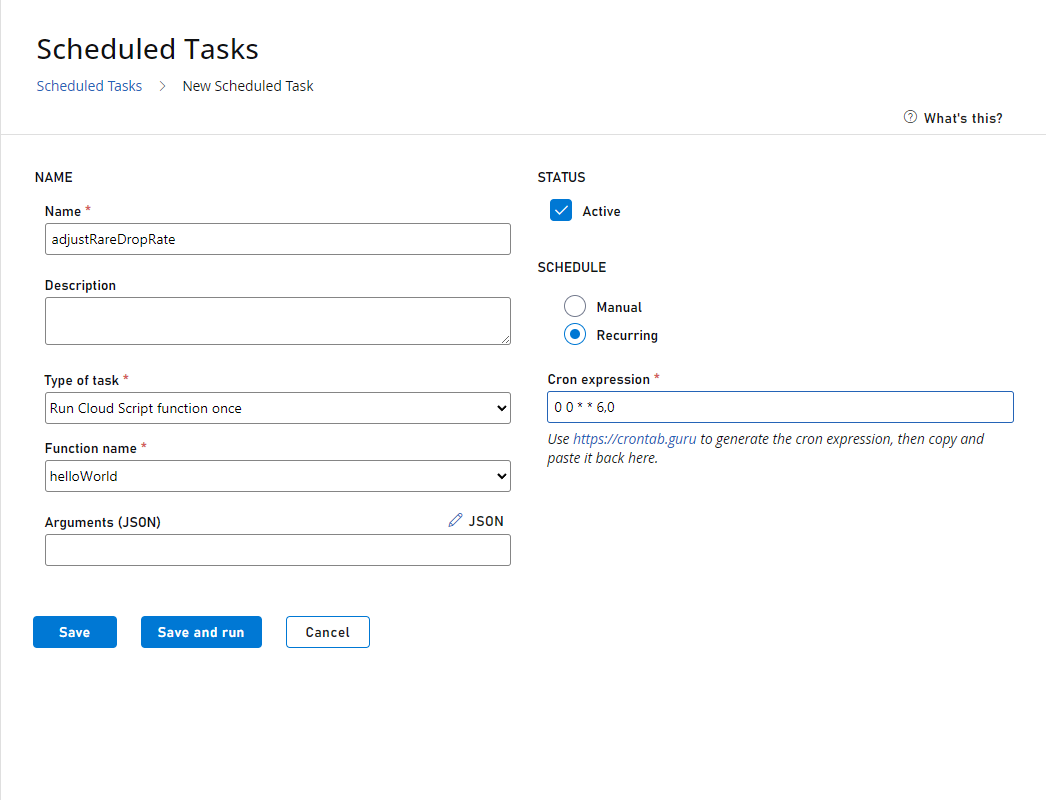
Now select Servers from the menu to the left.- Go to the Scheduled Tasks tab.
- Select New Scheduled Task on the upper-right corner of your screen.
- This will bring up the Create Task view.
- In the Type of task field, choose Run a CloudScript function.
- Below that, you’ll be able to pick a function from the currently deployed revision of CloudScript, and specify arguments to pass in.
- Choose the adjustRareDropRate Handler that you wrote in the previous step.
- Select On a schedule (UTC) under the SCHEDULE header.
- A simple schedule builder lets you choose when the Task should run (every hour, day, week, etc).
- For this example, we would like an advanced schedule, where we can specify which days of the week to run the task.
- So select CRON EXPRESSION.
Step 3 - Test the task
On the Tasks view (Servers -> Tasks), we can see that the next run of the newly created task is on the following Saturday - as expected. So, if it’s currently Tuesday, then the next scheduled runtime would be 4 days away. To test the task now, select the Adjust rare drop rate task and choose RUN TASKS.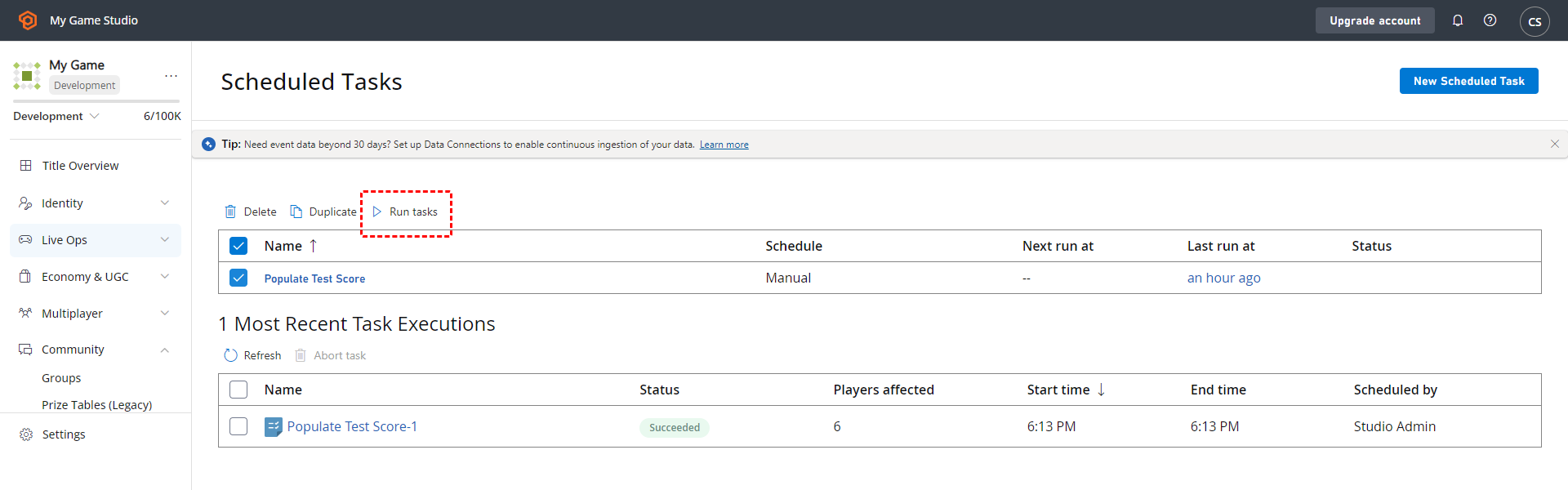
Step 4 - Check the results of the test run
Unfortunately, the task run has failed. Select the task instance to see what went wrong.
Step 5 - Test again (successfully)
Go ahead and fix the error we found in Step 4. The correct code snippet is shown below.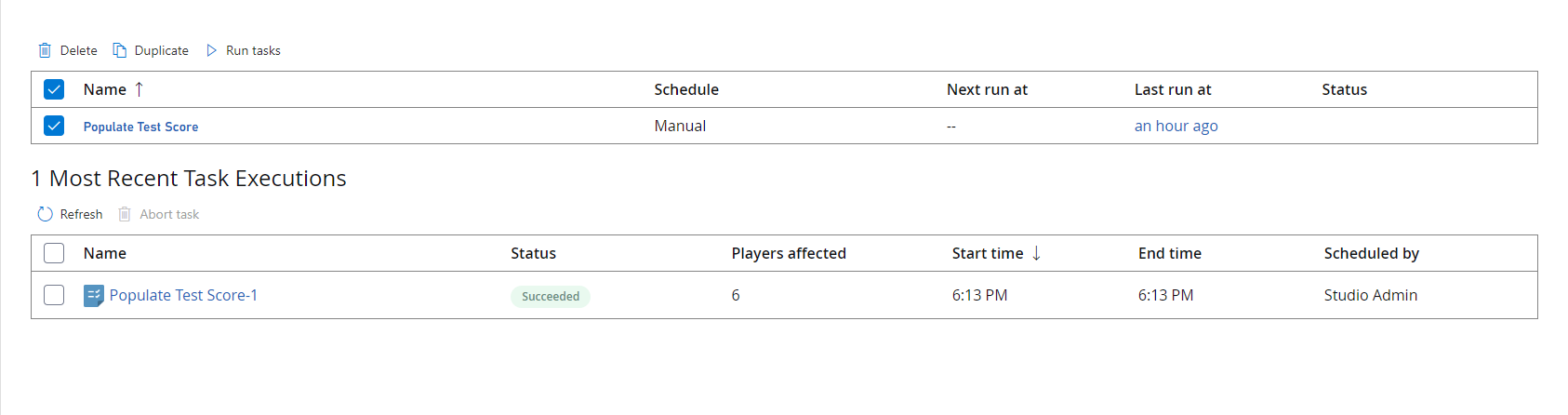
- Select Content in the menu to the left.
- Go to the Title Data tab.
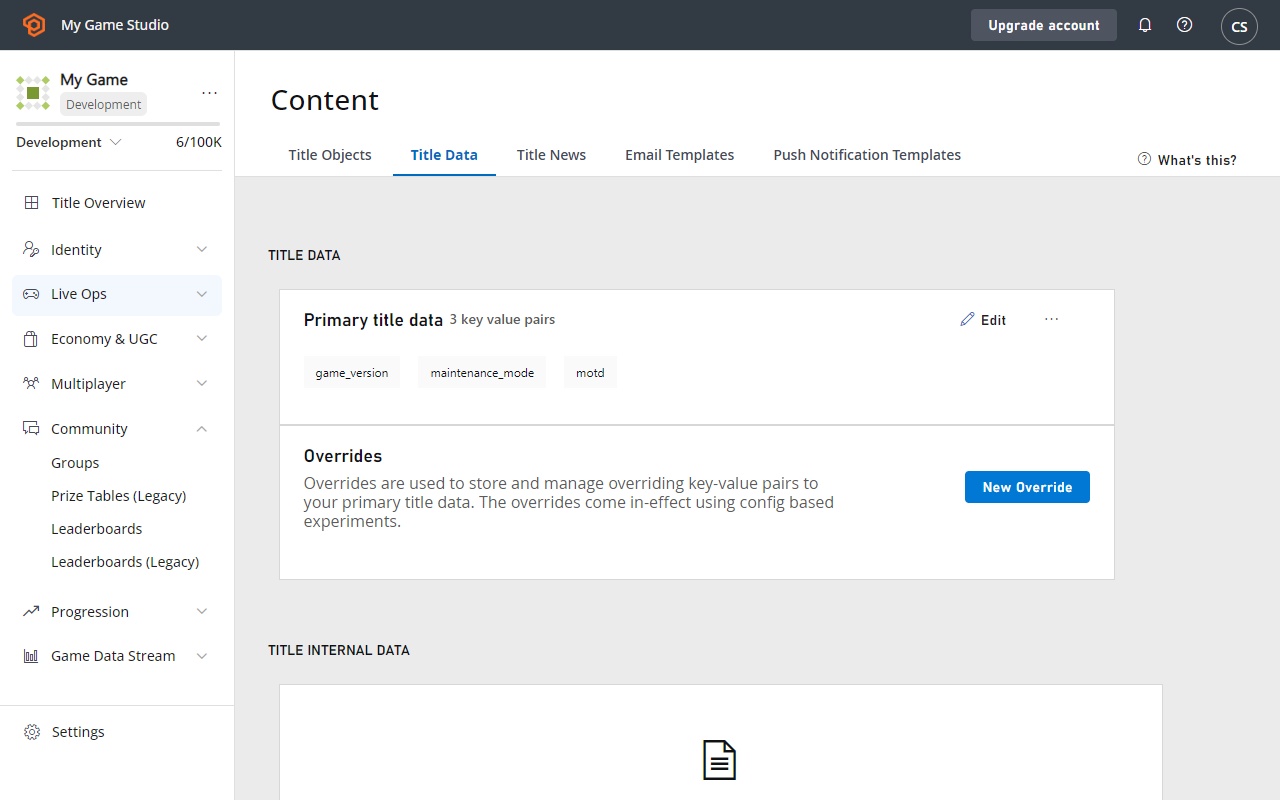
- Verify that the Title Data entry was actually set.