
Tutorial: Debugging CloudScript using Azure Functions with Visual Studio Code
If you’re using Visual Studio Code, you can use the Azure Functions extension to list your Azure Functions applications and there’s a Start Streaming Logs option: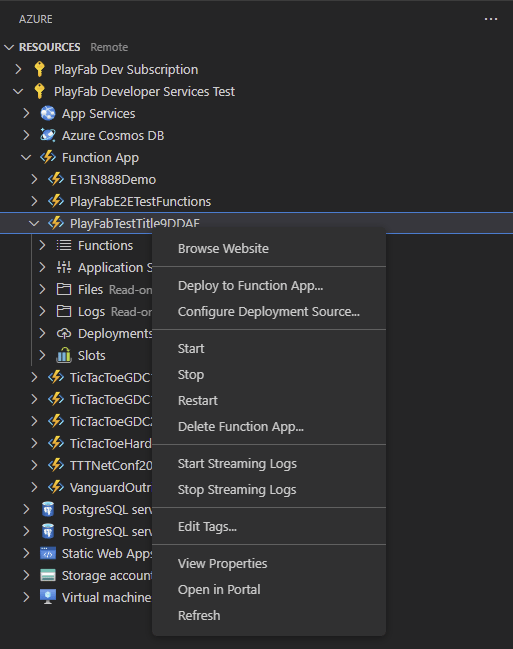
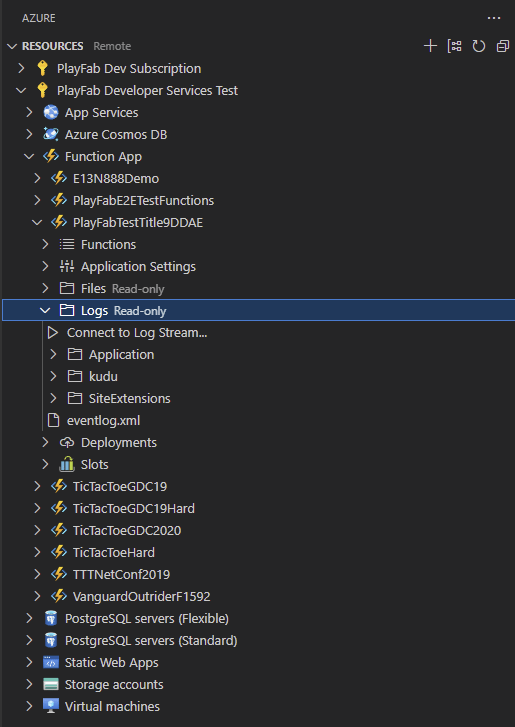
Debug PlayFab CloudScript Azure Functions from Visual Studio Code by using the Azure Functions extension to stream logs directly into the terminal.