Tutorial: Debugging CloudScript using Azure Functions in the Azure portal
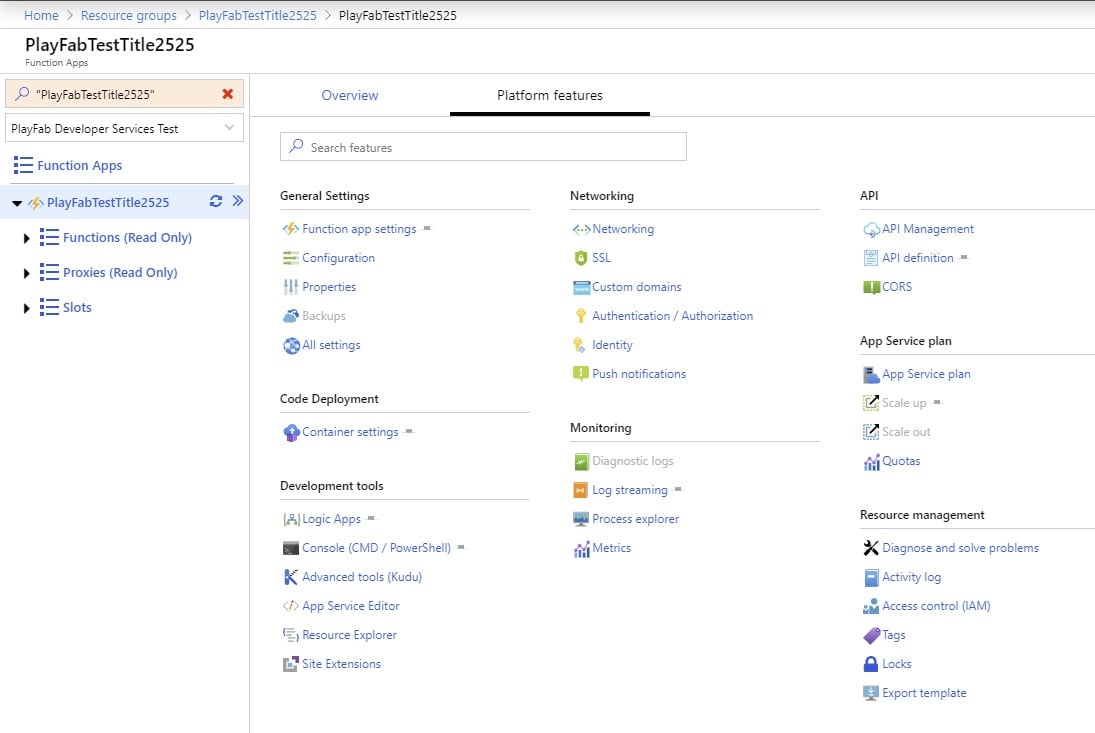
If you are editing your Azure Functions using the Azure portal, you can get logs directly in the portal. To find the logs you can use the following steps:- Open the Azure portal
- Navigate to your Azure Functions app
- Select Platform features
- Select Log Streaming under the Monitoring section