Requirements
- Players with and without a distinctive characteristic defined in PlayFab.
- A defined CloudScript PlayStream Hook.
Example case: Run a custom CloudScript for every player who reaches an in-game goal
The defining characteristic of a player might be:- Login time
- Linked device type
- Tags
- Real-world location
- Statistic values
- Virtual currency values
- Real money purchases, and more.
Statistics are one of many possible options, and only specifically required for this example. Feel free to replace the statistic requirement with another filter of your choice.
- Navigate to your Title.
- Select Players from the menu on the left.
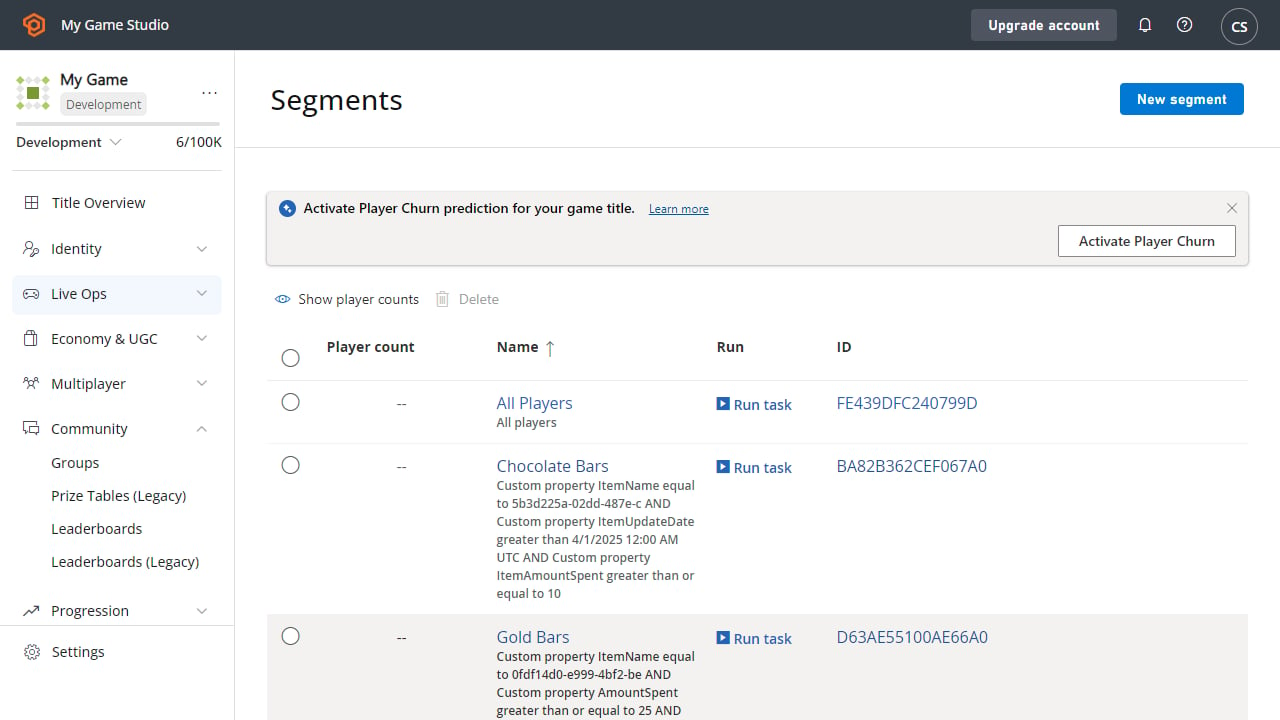
- Move to the Segments tab.
- Select New Segment.