Deconstructing this example
GlobalFileLockis a simplistic way to avoid file collisions, specifically designed for this example.- Independent file actions won’t cause any issues.
- Each file action requires many steps and multiple API calls, so don’t try to access the same file in multiple ways at the same time.
- If you’re careful, you don’t need any locking mechanism.
- If you want to do something complicated, your locking mechanism might be much more complex.
OnGUIis an old, but very dense way, to build a Unity GUI entirely within script.- Your GUI will be much better, and game-specific.
- All PlayFab features first require a login or authentication.
LoadAllFiles()does exactly as it says. For the current signed-in entity, it loads all files saved to PlayFab.- This function requires multiple steps:
- Asking PlayFab where the files are located,
- And then downloading them separately.
- This function requires multiple steps:
UploadFile(string fileName)saves the file to the service for the entity.- For simplicity, this example saves one file at a time, but you can upload files atomically in sets as well.
- The steps for this operation are:
- Initialize an atomic upload operation,
- Upload all files,
- Finalize an atomic upload operation.
- The entity doesn’t consider the file upload complete, nor reflect any changes to other callers until the atomic upload operation is finalized successfully.
Game Manager and entities
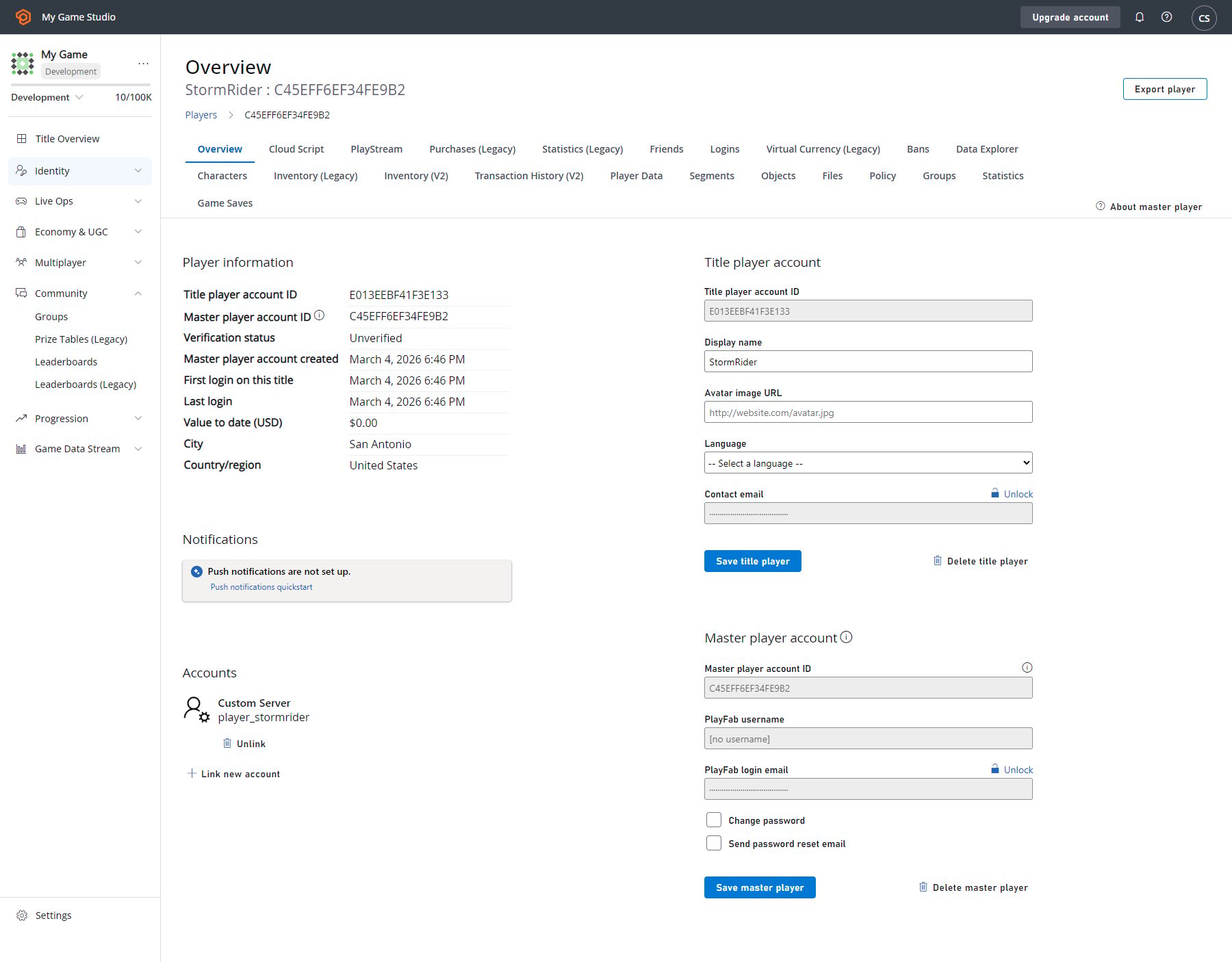
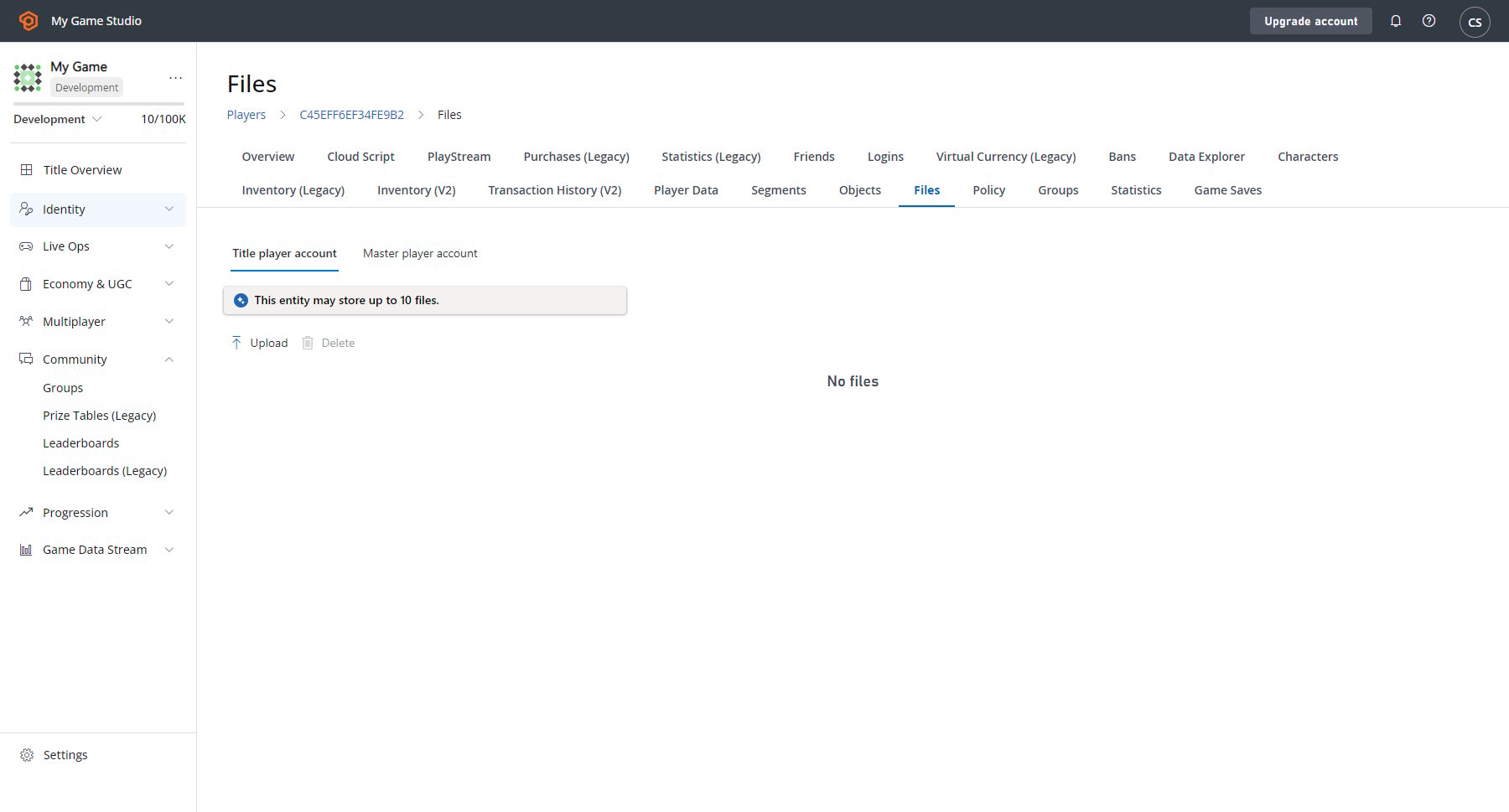
The Game Manager allows you to manipulate objects and files for players. The player overview has been updated to show both the title player and master player account information.