Configuring two-factor authentication
Install a Two-Factor Authentication app to your device. You can search on your own application, or select your platform from the following list: The steps are basically similar on all the platforms. This example shows an Android-based device, and a Google Authenticator application. Once the application is downloaded;- Open it and follow the instructions.
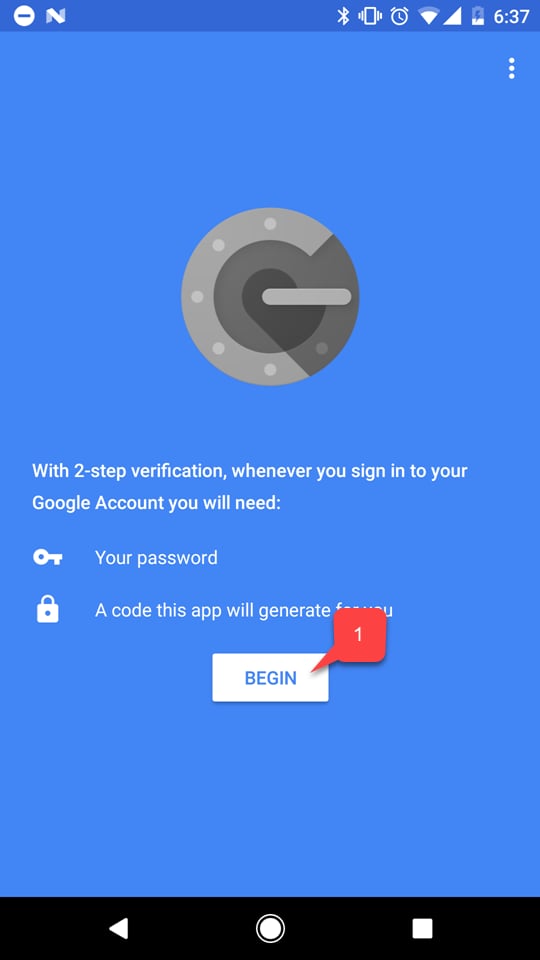
- Select the Begin button (1).
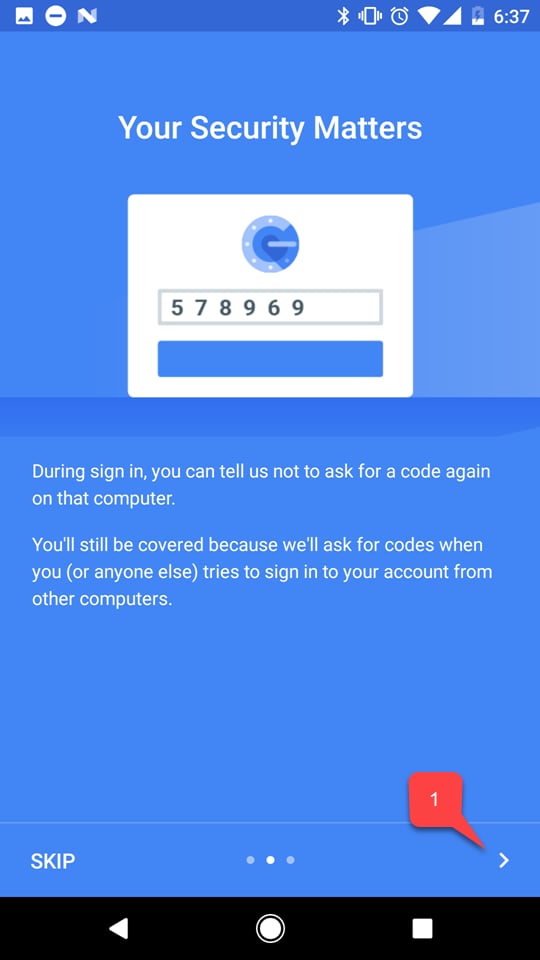
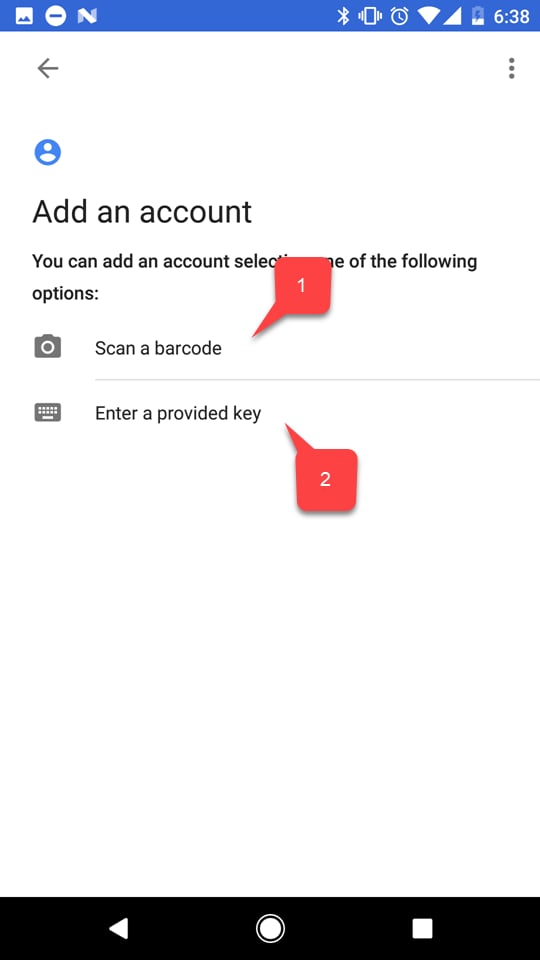
- Then select one of two options to add your PlayFab account:
- Either scan a bar code (1).
- Or type in the key manually (2).
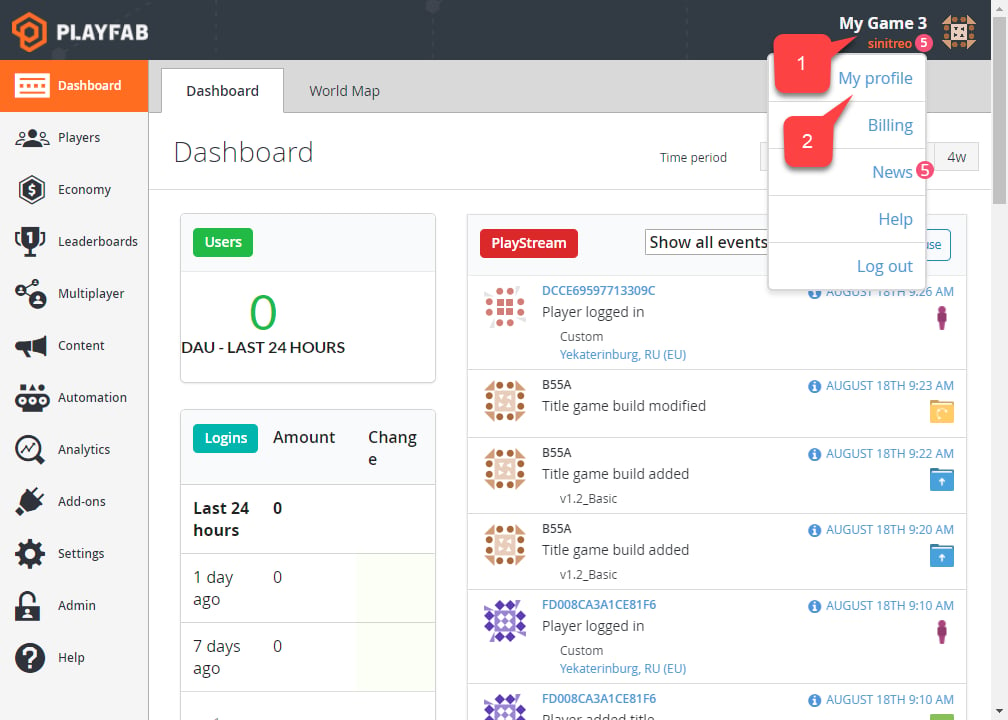
- Select the Account panel (1).
- Then select My Profile (2).
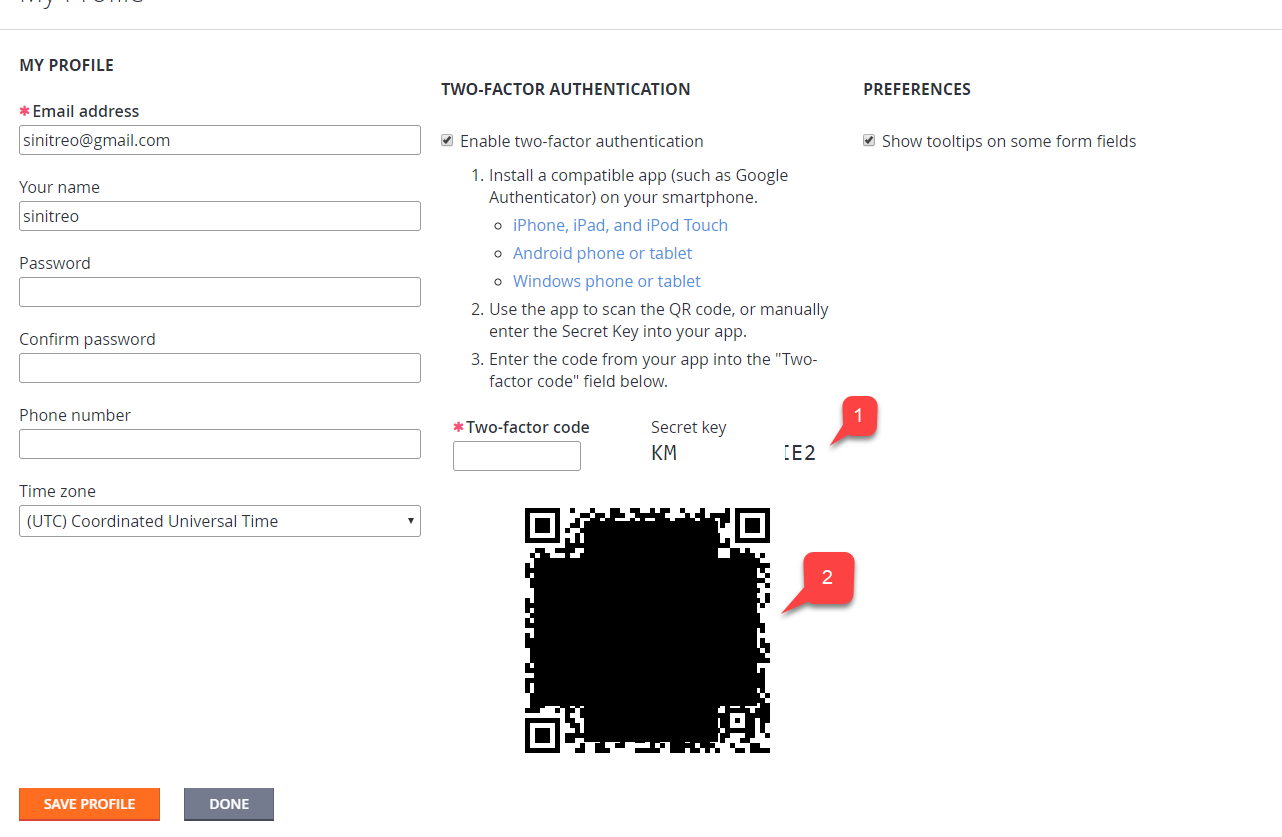
- Verify that the Enable two-factor authentication checkbox is checked.
- Depending on which option you have chosen, use the code (1) or a bar code (2) to add a new account using the application on your device.
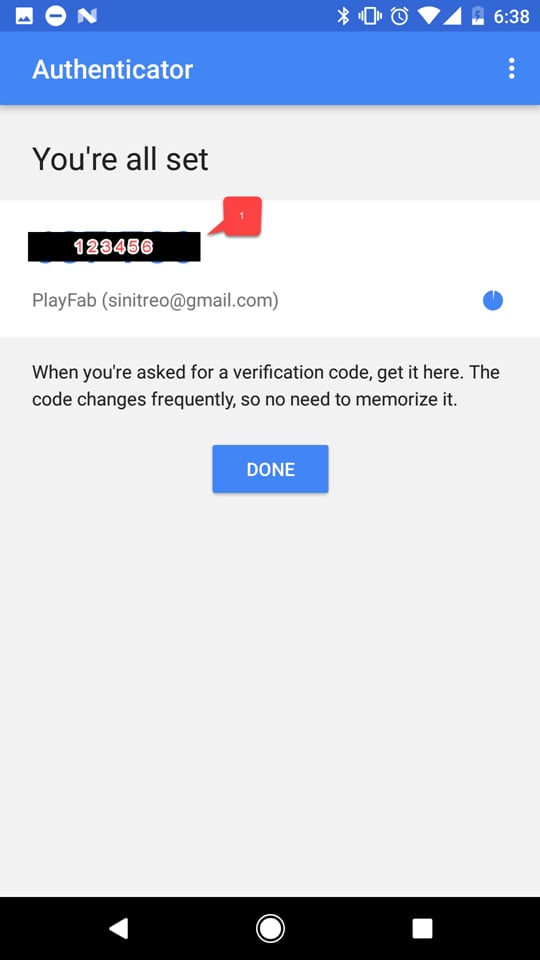
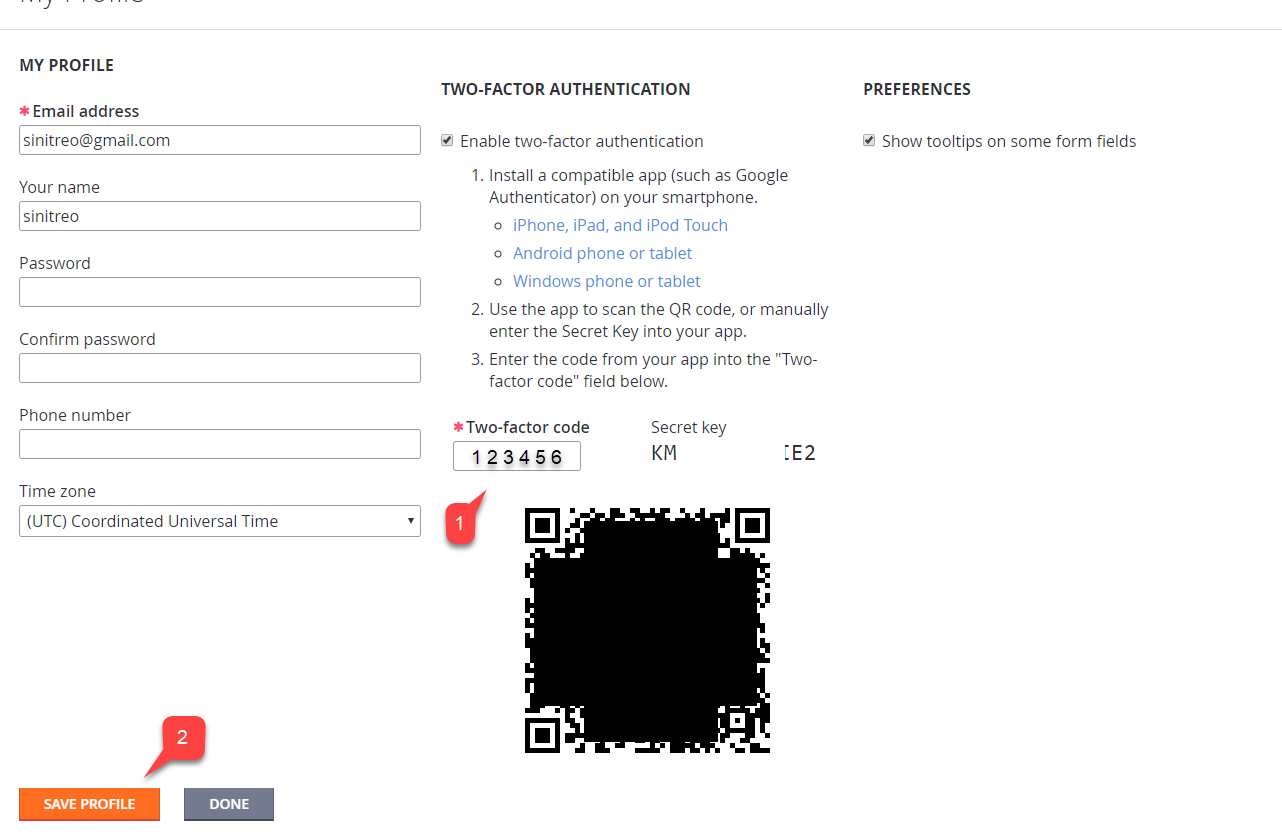
- Enter the code you received (1).
- Select Save Profile button (2).
Testing
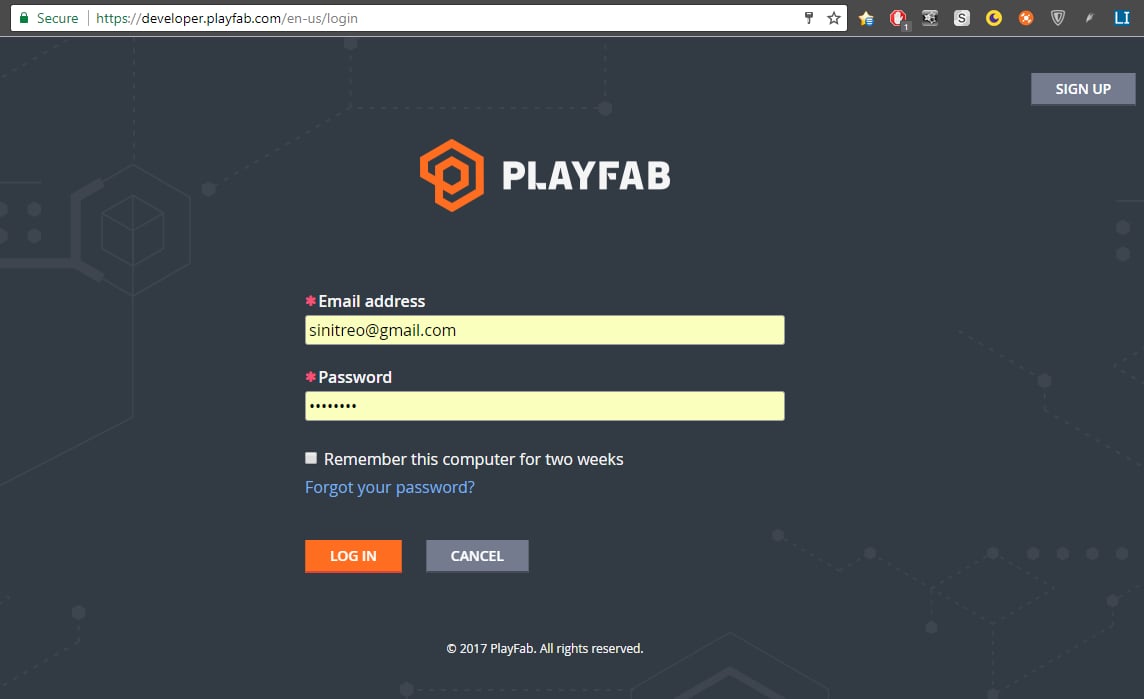
Log out of your PlayFab account and try to log in again. The first step of the authentication process will look normal (see example provided below).