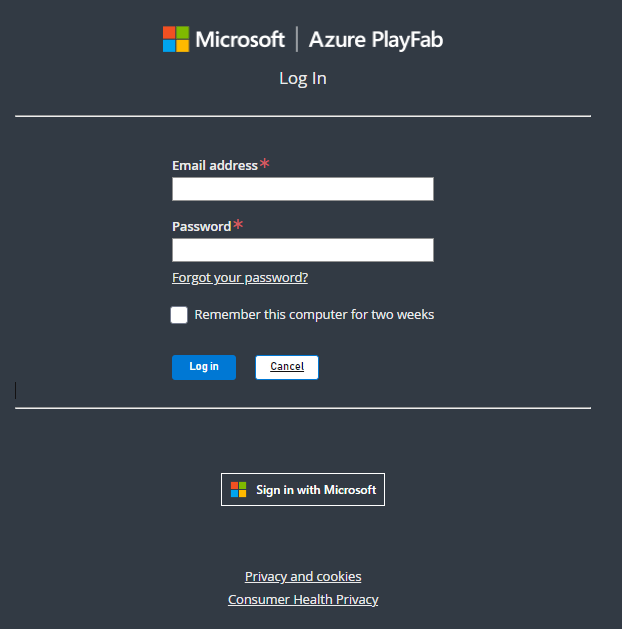
Account Authentication for PlayFab Game Manager
All New PlayFab user accounts after July 27th 2024 must use a Microsoft authentication service.
Sign-up with a Microsoft Authenticated Account
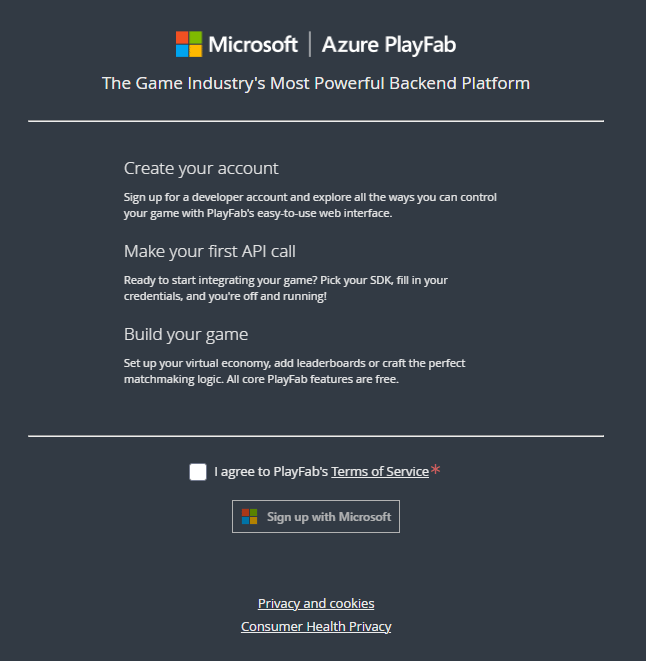
You can create a new PlayFab account using an existing or new Microsoft Account. The PlayFab authentication system is no longer available for new accounts.- Navigate to PlayFab’s Signup page.
-
Select Sign up with Microsoft and follow the signup flow.
To create a new Microsoft Authenticated user
-
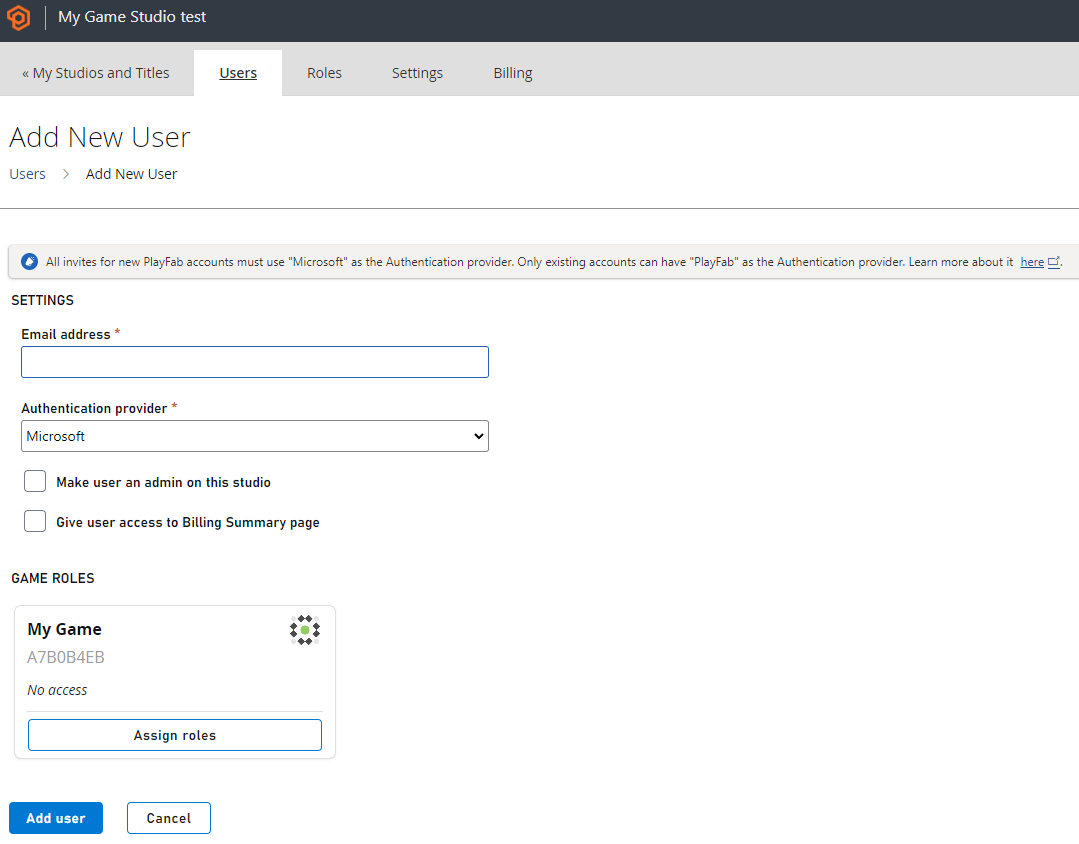
Navigate to your studio’s users section.

- Select Add User in the top right
-
Add the required details and configurations including selecting Microsoft as the authentication provider.
-
Select Add user when done to send an invite to the user. The user then registers via a Microsoft Account.