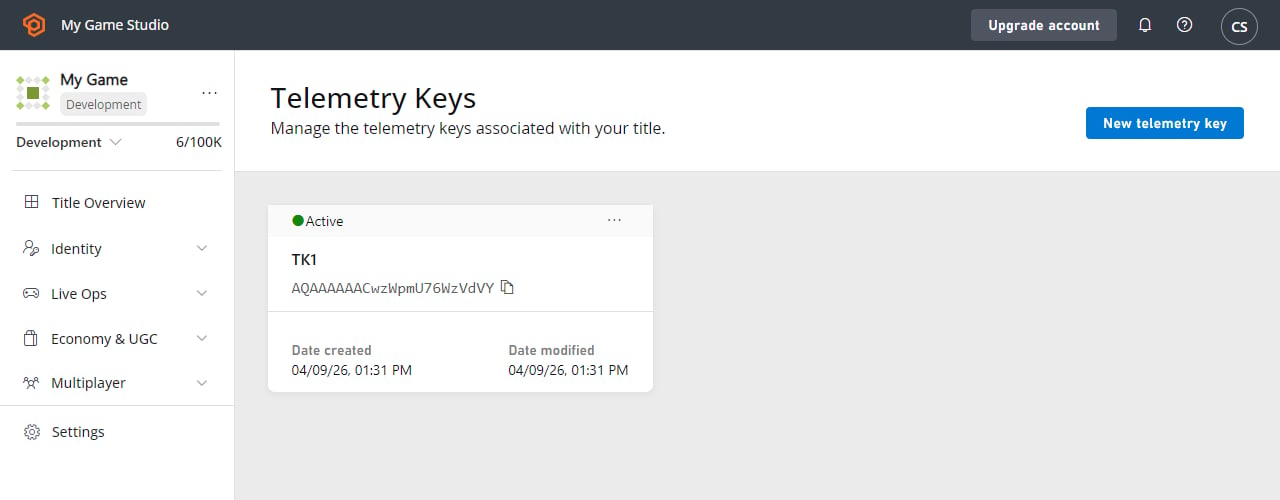
Creating Telemetry Keys in Game Manager
- Sign in to Game Manager.
- Go to My Studios and Titles page and select your game title to display the dashboard.
- Select Data from the menu on the left.
- Select the Telemetry Keys tab.
- Select New telemetry key.
- Fill the Key field.
- Select Create telemetry key.