
Wheel
A set of touch controls arranged in an inner and outer circular area.Properties
inner - object, optional. Up to four controls that are arranged in the inner portion of the wheel.
outer - array, optional. An array of up to 8 slots that can be filled by controls and/or control cluster that are placed around the inner area of the circular area represented by the wheel.
- The first slot in the
outerarea starts at the top of the wheel (around 1 o’clock) and continues clockwise. - A slot can be skipped with
null. - A control cluster will always take up 2 of the 8 available slots — the slot it is specified in and the subsequent one.
Remarks
The size and rotation of the
wheel control can be adjusted by the player. When customizing to their preferences, the player can change both the size and rotation of the wheels.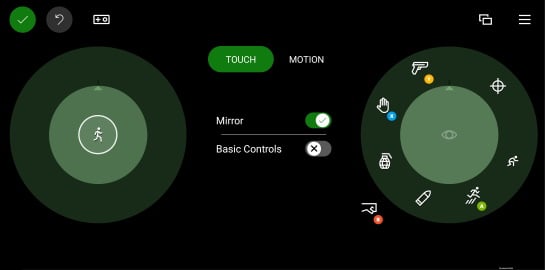
- The
innerarea should be used to position the control(s) that should be most accessible to the player for that hand. - The
innerslot on the left should be utilized for the primary player movement control. outerslots that are require the player to move their hand to reach should be used for infrequently accessed commands.
Samples
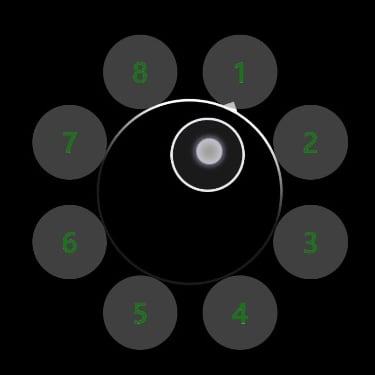
Example 1: A sample wheel with a joystick in the center and a custom button in each outer slot
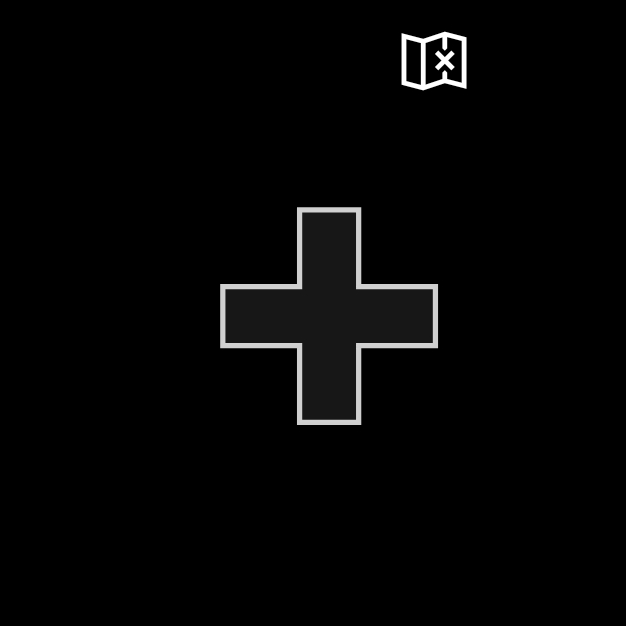
Example 2: A sample left wheel with a directional pad and map button
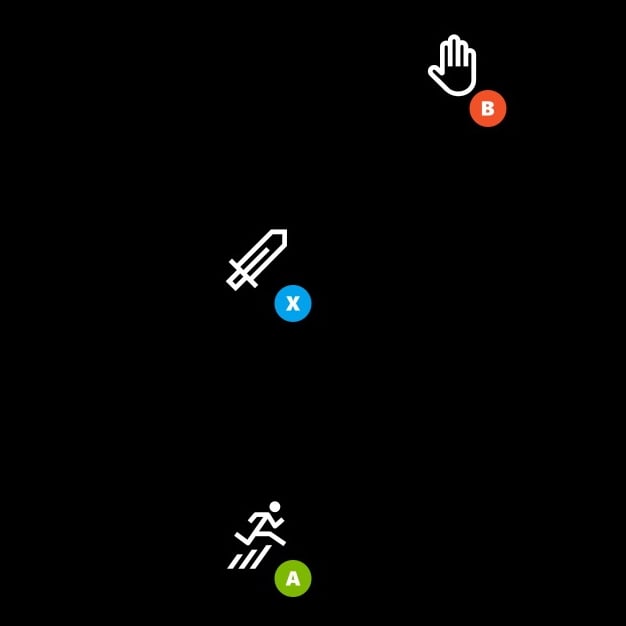
Example 3: A sample right wheel with three buttons
The buttons are aligned on the most easily reachable for the right hand. The buttons in theouter area are arranged in a cluster to have a larger hit area.
See Also
Touch Adaptation Kit ReferenceLayout