> ## Documentation Index
> Fetch the complete documentation index at: https://devdocs.xbox.com/llms.txt
> Use this file to discover all available pages before exploring further.
# PlayFab 的 Microsoft 帐户身份验证
> 了解如何使用 Microsoft 帐户注册 PlayFab、邀请经 Microsoft 身份验证的新用户加入你的工作室,以及在 Game Manager 中使用 Entra ID 登录。
# PlayFab Game Manager 的帐户身份验证
2024 年 7 月 27 日之后所有**新的** PlayFab 用户帐户都必须使用 Microsoft 身份验证服务。
PlayFab 支持两种用户身份验证方法。第一种是原始的 PlayFab 用户身份验证系统。第二种也是推荐的方式是 Microsoft 的身份验证服务——Microsoft 帐户和 Microsoft Entra ID(之前称为 Azure Active Directory)。
### 使用经 Microsoft 身份验证的帐户注册
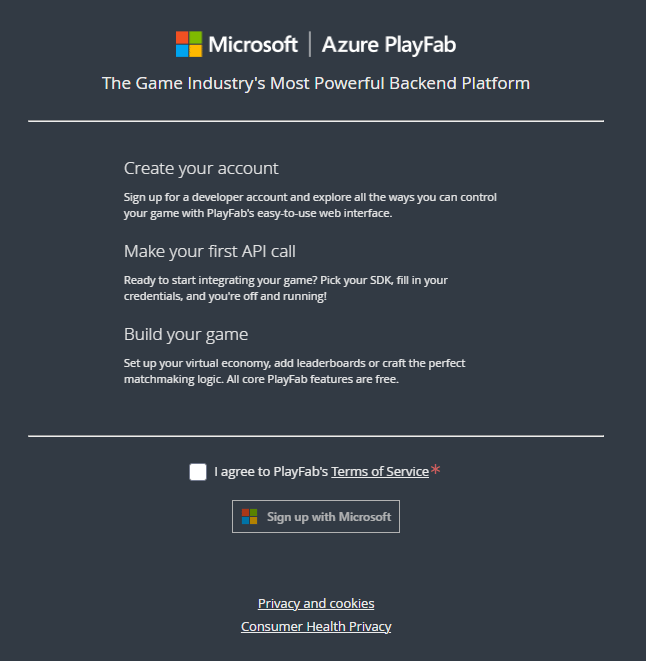
你可以使用现有或新的 Microsoft 帐户创建新的 PlayFab 帐户。PlayFab 身份验证系统不再可用于新帐户。
1. 导航到 [PlayFab 的注册页面](https://developer.playfab.com)。
2. 选择 **Sign up with Microsoft** 并按照注册流程操作。
 ### 创建新的经 Microsoft 身份验证的用户
1. 导航到你工作室的 users 部分。
### 创建新的经 Microsoft 身份验证的用户
1. 导航到你工作室的 users 部分。
 2. 在右上角选择 **Add User**
3. 添加所需的详细信息和配置,包括选择 **Microsoft** 作为身份验证提供程序。
2. 在右上角选择 **Add User**
3. 添加所需的详细信息和配置,包括选择 **Microsoft** 作为身份验证提供程序。
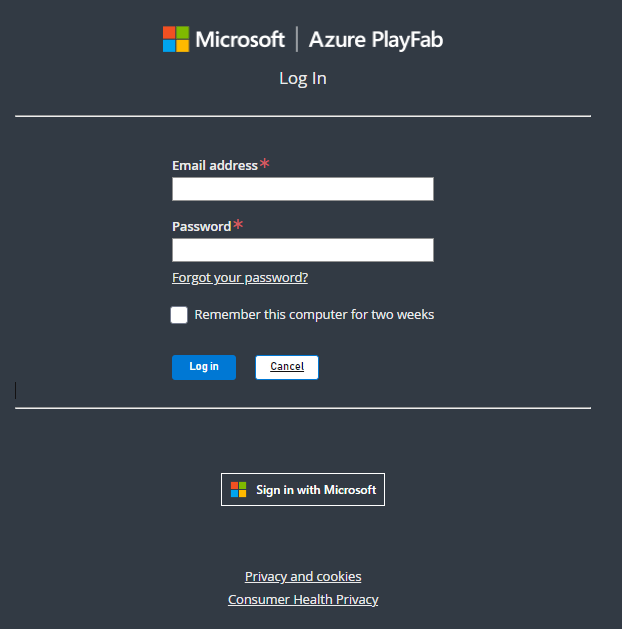
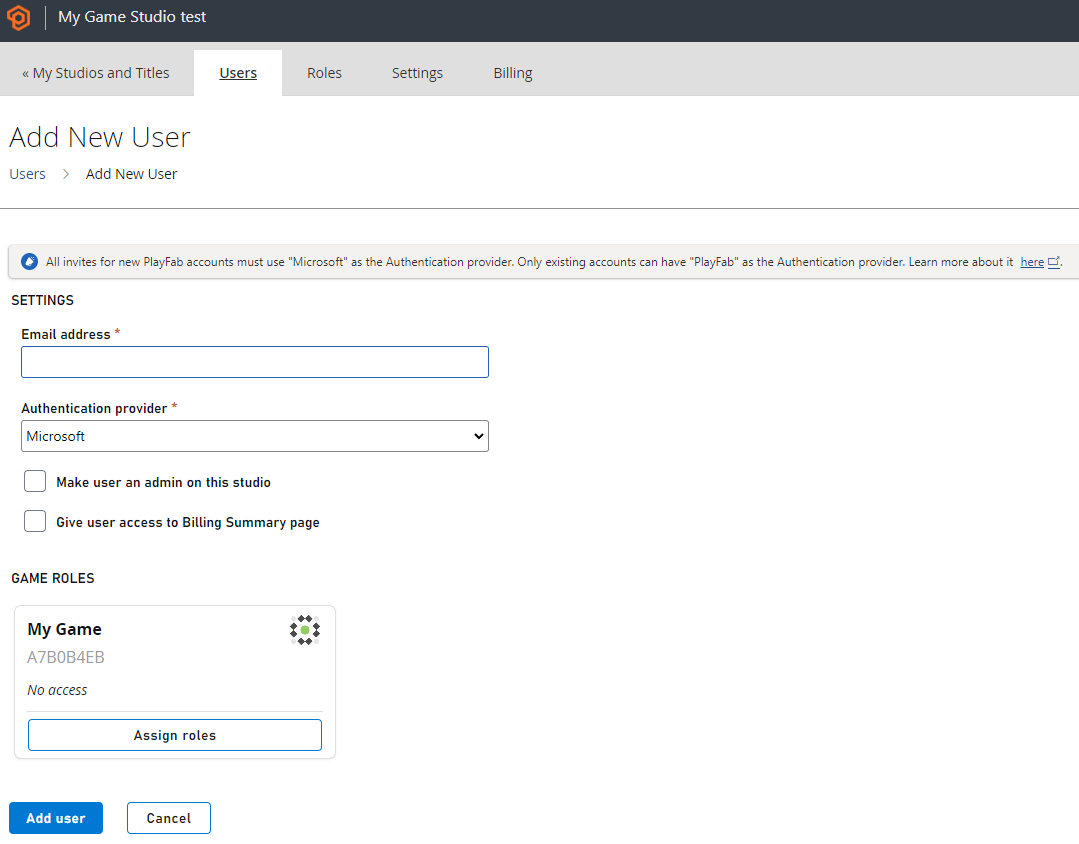 4. 完成后选择 **Add user** 向用户发送邀请。然后用户通过 Microsoft 帐户进行注册。
 ### Microsoft 帐户限制
Microsoft 帐户身份验证适用于单个用户,包括用于程序化身份验证的 Microsoft 帐户令牌交换。它不支持组或 graph。
## Related topics
- [用于 PlayFab API 的 Microsoft Entra ID 身份验证](/zh-CN/services/playfab/identity/dev-identity/authentication/entra-id-api-authentication.md)
- [身份验证](/zh-CN/services/playfab/identity/player-identity/authentication/index.md)
- [服务器端匿名登录身份验证](/zh-CN/services/playfab/identity/player-identity/platform-specific-authentication/anonymous-login.md)
- [使用 Facebook 和 HTML5 设置 PlayFab 身份验证](/zh-CN/services/playfab/identity/player-identity/platform-specific-authentication/facebook-html5.md)
- [使用 Kongregate 和 Unity 设置 PlayFab 身份验证](/zh-CN/services/playfab/identity/player-identity/platform-specific-authentication/kongregate-unity.md)
### Microsoft 帐户限制
Microsoft 帐户身份验证适用于单个用户,包括用于程序化身份验证的 Microsoft 帐户令牌交换。它不支持组或 graph。
## Related topics
- [用于 PlayFab API 的 Microsoft Entra ID 身份验证](/zh-CN/services/playfab/identity/dev-identity/authentication/entra-id-api-authentication.md)
- [身份验证](/zh-CN/services/playfab/identity/player-identity/authentication/index.md)
- [服务器端匿名登录身份验证](/zh-CN/services/playfab/identity/player-identity/platform-specific-authentication/anonymous-login.md)
- [使用 Facebook 和 HTML5 设置 PlayFab 身份验证](/zh-CN/services/playfab/identity/player-identity/platform-specific-authentication/facebook-html5.md)
- [使用 Kongregate 和 Unity 设置 PlayFab 身份验证](/zh-CN/services/playfab/identity/player-identity/platform-specific-authentication/kongregate-unity.md)