> ## Documentation Index
> Fetch the complete documentation index at: https://devdocs.xbox.com/llms.txt
> Use this file to discover all available pages before exploring further.
# Media capture page
> Media capture page
Use the Media capture page to capture and view screen images from your console as shown in the following screenshot.
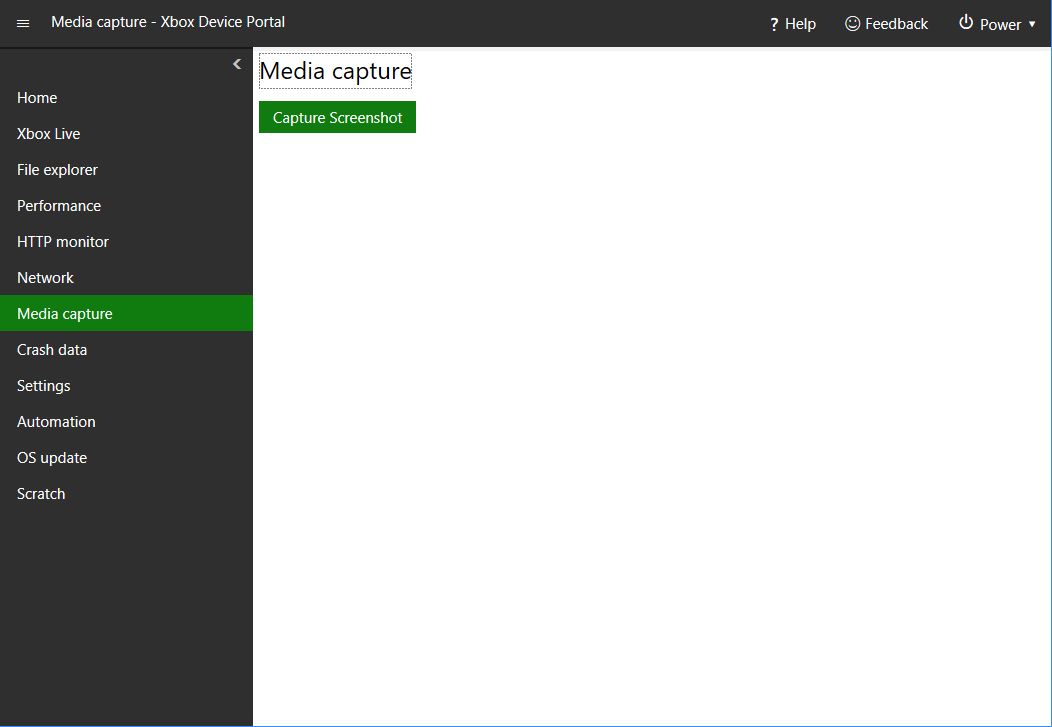 The Media capture page has the following pane.
## Media capture pane
The Media Capture pane has a tool to capture and view console screenshots.
## Related topics
- [XBOX Device Portal (Windows Device Portal on XBOX)](/tools/tools-console/wdp/index.md)
- [XBOX Manager: media capture](/tools/tools-console/xbom/manager-tool-media-capture.md)
- [MicrosoftGame.config Element - MediaCapture](/reference/system/microsoftgameconfig/elements/microsoftgameconfig-element-mediacapture.md)
- [PAGE 103 · Accessible social media for gaming events](/build/game-principles/accessibility/page/page-103-social-media.md)
- [CreateCaptureAudioStateMonitor](/reference/audio/audiostatemonitor/functions/createcaptureaudiostatemonitor.md)
The Media capture page has the following pane.
## Media capture pane
The Media Capture pane has a tool to capture and view console screenshots.
## Related topics
- [XBOX Device Portal (Windows Device Portal on XBOX)](/tools/tools-console/wdp/index.md)
- [XBOX Manager: media capture](/tools/tools-console/xbom/manager-tool-media-capture.md)
- [MicrosoftGame.config Element - MediaCapture](/reference/system/microsoftgameconfig/elements/microsoftgameconfig-element-mediacapture.md)
- [PAGE 103 · Accessible social media for gaming events](/build/game-principles/accessibility/page/page-103-social-media.md)
- [CreateCaptureAudioStateMonitor](/reference/audio/audiostatemonitor/functions/createcaptureaudiostatemonitor.md)