> ## Documentation Index
> Fetch the complete documentation index at: https://devdocs.xbox.com/llms.txt
> Use this file to discover all available pages before exploring further.
# Streaming page (Dev Home)
> Streaming page (Dev Home)
The Streaming page of Developer Home (Dev Home), shown in the following screenshot, provides access to various settings related to game streaming for a development console.
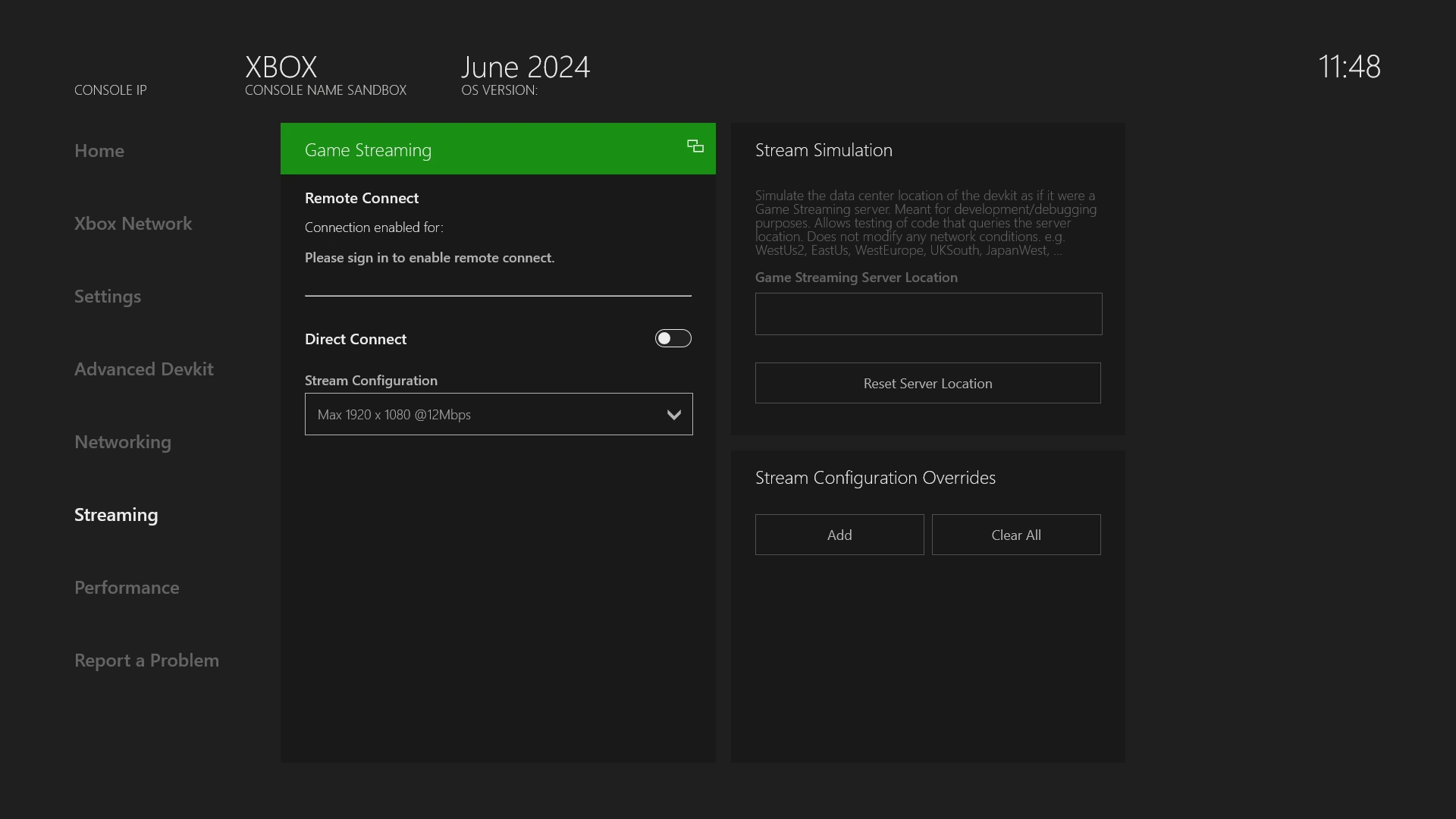 The Streaming page contains the following panes.
* [Stream Configuration](#ID4EEB)
* [Direct Connect](#ID4E4B)
* [Remote Play](#ID4EHC)
* [Overrides](#ID4EQB)
## Stream Configuration
The streaming configuration controls various aspects of the stream such as the resolution or bitrate. The streaming configuration for direct connect can be modified via the **Streaming Configuration** dropdown menu which contains a couple base configurations.
The settings here can also be controlled through the command line. Please see [Manage game streaming (xbgamestream.exe)](/tools/tools-console/commandlinetools/xbgamestream) for more information.
### Direct Connect
The configuration options in the **Direct Connect** section control whether or not the development console is actively listening for local (IP address based) game streaming connection requests. Because this connection type allows anyone that knows the console's IP address to connect, as a security consideration it is necessary to put the console in 'listening' mode each time the console reboots to use this feature.
The [Web Content Test Application (CTA) overview](/build/core-features/common/game-streaming/game-streaming-web-content-test-application) cannot connect directly via IP address due to browser security policy.
### Remote Connect
The configuration options in the **Remote Connect** section control whether or not each user on the development console can be used for remote game streaming connections. These connections require the same user to be signed into the [Web Content Test Application (CTA) overview](/build/core-features/common/game-streaming/game-streaming-web-content-test-application) and that the console be connected to the internet. This feature is the developer equivalent of [configuring a retail console for remote play](https://support.xbox.com/en-US/help/games-apps/game-setup-and-play/how-to-set-up-remote-play).
## Overrides
Overrides can be viewed and configured in the **Streaming** tab using the **Stream Configuration Overrides** panel in the bottom right (or by the xbgamestream tool).
For more information on overrides check out [Manage game streaming (xbgamestream.exe)](/tools/tools-console/commandlinetools/xbgamestream) and [Setting up your XBOX Development Kit for streaming](/build/core-features/common/game-streaming/game-streaming-setup-xbox-developer-kit) for more information.
The Streaming page contains the following panes.
* [Stream Configuration](#ID4EEB)
* [Direct Connect](#ID4E4B)
* [Remote Play](#ID4EHC)
* [Overrides](#ID4EQB)
## Stream Configuration
The streaming configuration controls various aspects of the stream such as the resolution or bitrate. The streaming configuration for direct connect can be modified via the **Streaming Configuration** dropdown menu which contains a couple base configurations.
The settings here can also be controlled through the command line. Please see [Manage game streaming (xbgamestream.exe)](/tools/tools-console/commandlinetools/xbgamestream) for more information.
### Direct Connect
The configuration options in the **Direct Connect** section control whether or not the development console is actively listening for local (IP address based) game streaming connection requests. Because this connection type allows anyone that knows the console's IP address to connect, as a security consideration it is necessary to put the console in 'listening' mode each time the console reboots to use this feature.
The [Web Content Test Application (CTA) overview](/build/core-features/common/game-streaming/game-streaming-web-content-test-application) cannot connect directly via IP address due to browser security policy.
### Remote Connect
The configuration options in the **Remote Connect** section control whether or not each user on the development console can be used for remote game streaming connections. These connections require the same user to be signed into the [Web Content Test Application (CTA) overview](/build/core-features/common/game-streaming/game-streaming-web-content-test-application) and that the console be connected to the internet. This feature is the developer equivalent of [configuring a retail console for remote play](https://support.xbox.com/en-US/help/games-apps/game-setup-and-play/how-to-set-up-remote-play).
## Overrides
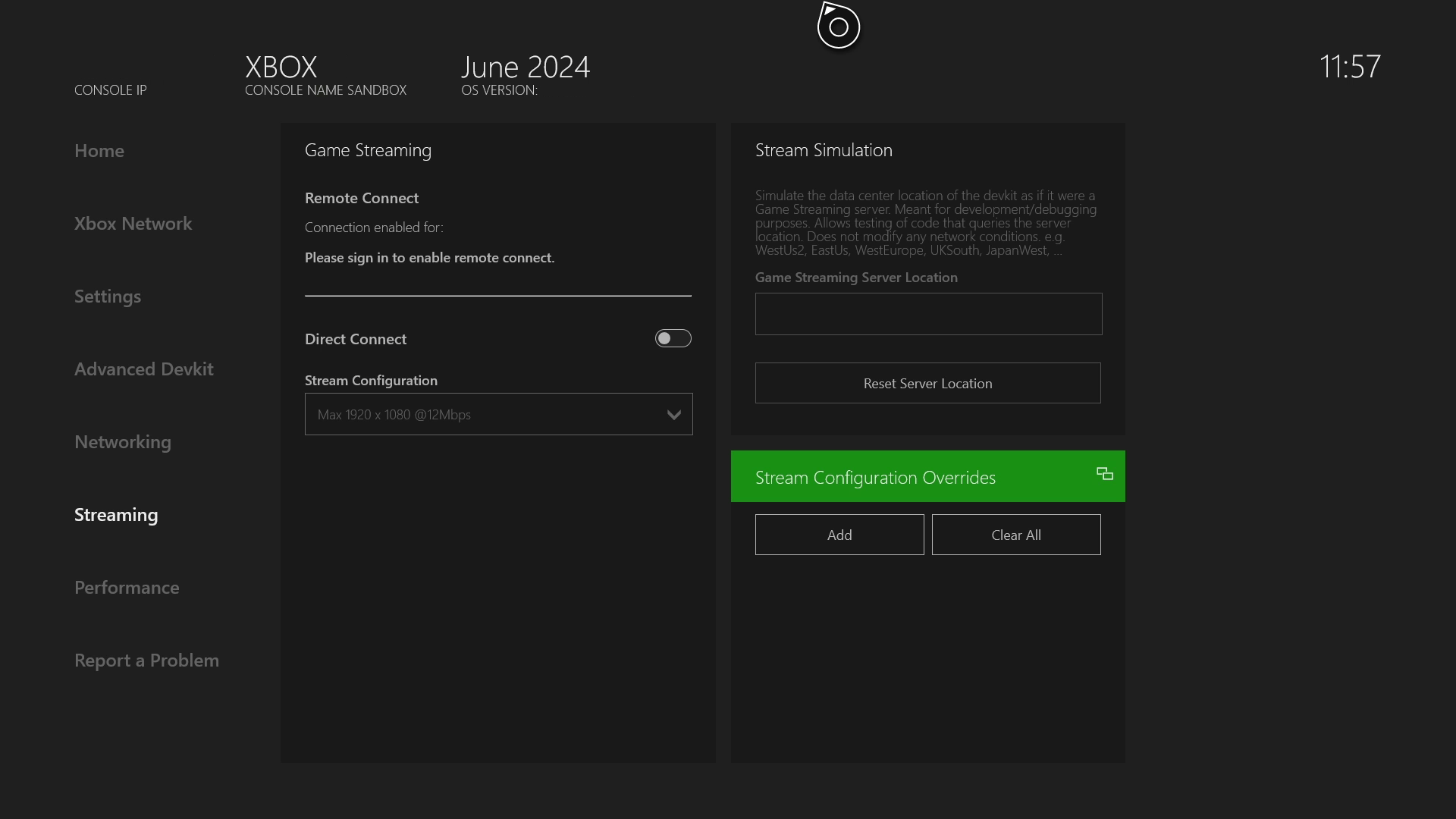
Overrides can be viewed and configured in the **Streaming** tab using the **Stream Configuration Overrides** panel in the bottom right (or by the xbgamestream tool).
For more information on overrides check out [Manage game streaming (xbgamestream.exe)](/tools/tools-console/commandlinetools/xbgamestream) and [Setting up your XBOX Development Kit for streaming](/build/core-features/common/game-streaming/game-streaming-setup-xbox-developer-kit) for more information.
 ## See also
[Setting up your XBOX Development Kit for streaming](/build/core-features/common/game-streaming/game-streaming-setup-xbox-developer-kit)
## See also
[Setting up your XBOX Development Kit for streaming](/build/core-features/common/game-streaming/game-streaming-setup-xbox-developer-kit)