> ## Documentation Index
> Fetch the complete documentation index at: https://devdocs.xbox.com/llms.txt
> Use this file to discover all available pages before exploring further.
# Authentification par compte Microsoft pour PlayFab
> Découvrez comment vous inscrire à PlayFab avec un compte Microsoft, inviter de nouveaux utilisateurs authentifiés par Microsoft dans votre studio et utiliser la connexion Entra ID pour Game Manager.
# Authentification des comptes pour PlayFab Game Manager
Tous les **nouveaux** comptes d'utilisateur PlayFab créés après le 27 juillet 2024 doivent utiliser un service d'authentification Microsoft.
PlayFab prend en charge deux méthodes d'authentification des utilisateurs. La première est le système d'authentification des utilisateurs PlayFab d'origine. La seconde, recommandée, correspond aux services d'authentification de Microsoft : compte Microsoft et Microsoft Entra ID (anciennement Azure Active Directory).
### S'inscrire avec un compte authentifié par Microsoft
Vous pouvez créer un compte PlayFab à l'aide d'un compte Microsoft existant ou nouveau. Le système d'authentification PlayFab n'est plus disponible pour les nouveaux comptes.
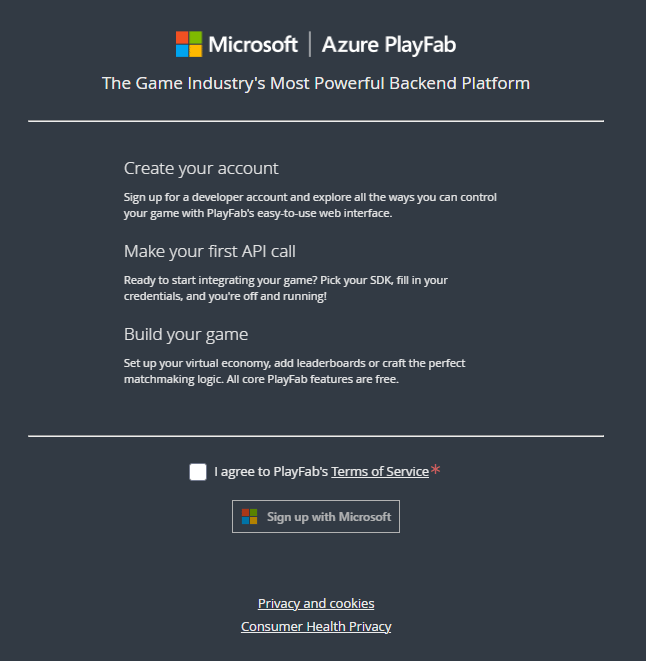
1. Accédez à la [page d'inscription de PlayFab](https://developer.playfab.com).
2. Sélectionnez **Sign up with Microsoft** et suivez le processus d'inscription.
 ### Pour créer un utilisateur authentifié par Microsoft
1. Accédez à la section des utilisateurs de votre studio.
### Pour créer un utilisateur authentifié par Microsoft
1. Accédez à la section des utilisateurs de votre studio.
 2. Sélectionnez **Add User** en haut à droite
3. Ajoutez les détails et configurations requis, notamment en sélectionnant **Microsoft** comme fournisseur d'authentification.
2. Sélectionnez **Add User** en haut à droite
3. Ajoutez les détails et configurations requis, notamment en sélectionnant **Microsoft** comme fournisseur d'authentification.
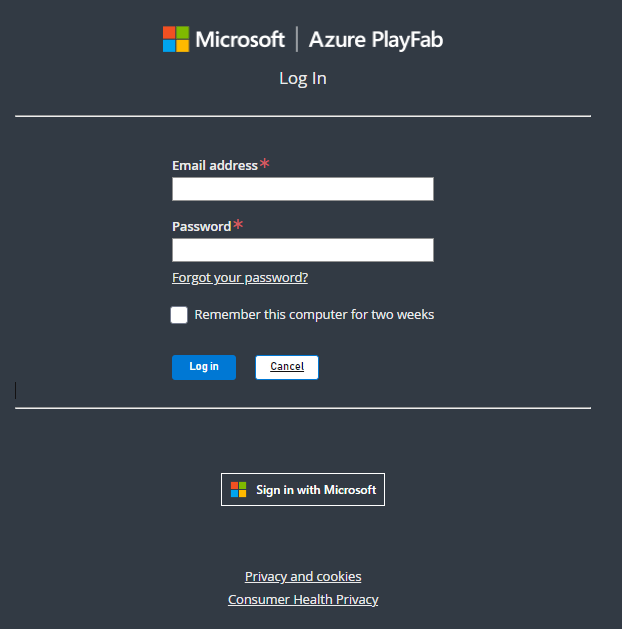
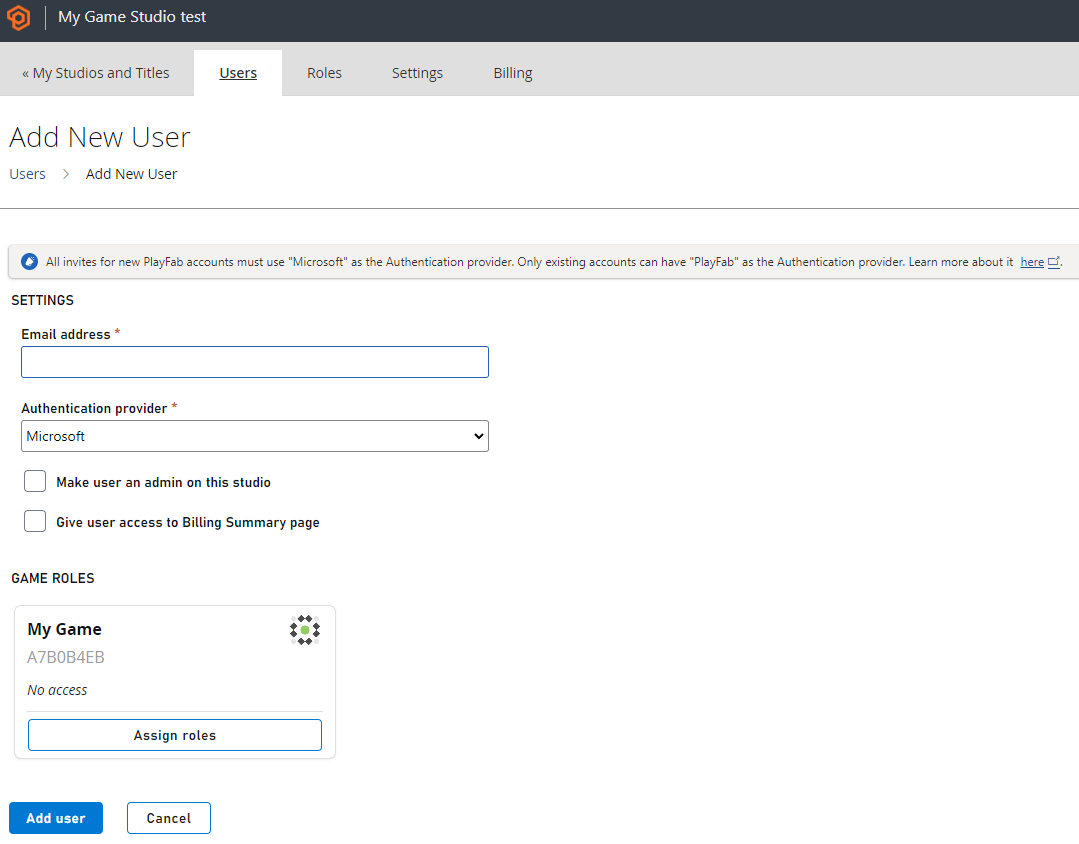 4. Sélectionnez **Add user** une fois terminé pour envoyer une invitation à l'utilisateur. L'utilisateur s'inscrit ensuite via un compte Microsoft.
 ### Limitations du compte Microsoft
L'authentification par compte Microsoft fonctionne pour les utilisateurs individuels, y compris l'échange de jetons de compte Microsoft pour l'authentification programmatique. Elle ne prend pas en charge les groupes ni Graph.
## Related topics
- [Authentification Microsoft Entra ID pour les API PlayFab](/fr/services/playfab/identity/dev-identity/authentication/entra-id-api-authentication.md)
- [Connexion de Grafana à Insights](/fr/services/playfab/data-analytics/legacy/connectivity/connecting-grafana-to-insights.md)
- [Stratégies de liaison de comptes pour PlayFab Game Saves](/fr/services/playfab/player-progression/game-saves/linking.md)
- [Authentification](/fr/services/playfab/identity/player-identity/authentication/index.md)
- [Connexion de Power BI à Insights](/fr/services/playfab/data-analytics/legacy/connectivity/connecting-power-bi-to-insights.md)
### Limitations du compte Microsoft
L'authentification par compte Microsoft fonctionne pour les utilisateurs individuels, y compris l'échange de jetons de compte Microsoft pour l'authentification programmatique. Elle ne prend pas en charge les groupes ni Graph.
## Related topics
- [Authentification Microsoft Entra ID pour les API PlayFab](/fr/services/playfab/identity/dev-identity/authentication/entra-id-api-authentication.md)
- [Connexion de Grafana à Insights](/fr/services/playfab/data-analytics/legacy/connectivity/connecting-grafana-to-insights.md)
- [Stratégies de liaison de comptes pour PlayFab Game Saves](/fr/services/playfab/player-progression/game-saves/linking.md)
- [Authentification](/fr/services/playfab/identity/player-identity/authentication/index.md)
- [Connexion de Power BI à Insights](/fr/services/playfab/data-analytics/legacy/connectivity/connecting-power-bi-to-insights.md)